Search
-
"Uncanny" effect more resolution and details we put in a frame .
 I'd like to hear opinions on what I somehow noticed maybe not in every but many recent games as a trend. I mean not an exactly same "uncanny valley " people discussed decade ago about Beowoolf and Polar express and imo related mostly to animation but rather more subtle, more general thing a picture get after crossing…
 -
Re: Inside Out Normal Maps?
 Hello, You're not describing your problem clearly, as "messed up" doesn't mean anything especially when talking about a texture which is just a mathematical representation of surface information. At the very least you could show the high that the low+bake is supposed to represent. So, even though I have no idea what the…
 -
Re: Max is triangulating model differently when combined??
 Triangulating your mesh before you bake is a good idea. Any edge that isn't visible, isn't set in stone and apps take those undefined edges and will interpret those any way they see fit. Most apps will stripe triangles from bottom left corner to upper right. Maya strictly enforces this and doesn't let you "go against the…
 -
Re: Difference from smothing groups vs weighted vertex normals.

 I would say this thing with the compression is just a part of the story. So when you are using face weighted normals on a hard surface mesh, you usually eliminate like the 90% of the unwanted gradients on the flat surfaces. This is happening, because the vertex normals are perpendicular to the edge, and they are not…
 -
Re: How do I instance a given number of objects to specific faces only in Blender?
Unwrapping in Blender goes as follow. Switch to edit mesh node (Tab) > go to edge selection mode (2) to select edge loops alt+ click or click start edge and then Cntrl+click an end edge or just (shift+click) edges one by one. > use ctrl+E to open edge menu and "mark seams" those selected edges. Or you can just select UV… -
Re: Sketchbook: Martin "VertexBee" Punchev
 Last week I've mentioned about this special SubD modeling technique and promised to write a brief tutorial, so here it is. In a nutshell: Create a low-polygon model and set all the edges that you need to be sharp and crisp to be at 1.0 crease value. To be in greater control of the surface you can also assign weights to the…
 -
Re: Uni Project - 3d Character WIP
Hey! Good start! Welcome to the world of organic topology. This is going to sound a bit harsh but I would suggest starting over at this point. This model has lots of weird topology and your edge loops are not going to deform properly. When the shoulders move for example there should be a flow of edges... almost like a… -
Re: Markovnikov's Workshop
 you need more edge cuts around the edges of your item. you can define how strong the edge or crease by adding a supporting loop and pushing it close to the edge. Everything looks kind of mushy like clay. http://cgcookie.com/blender/2013/06/21/tips-creating-sharp-edges-modeling/
 -
Pedro's Super Smart Create for Blender

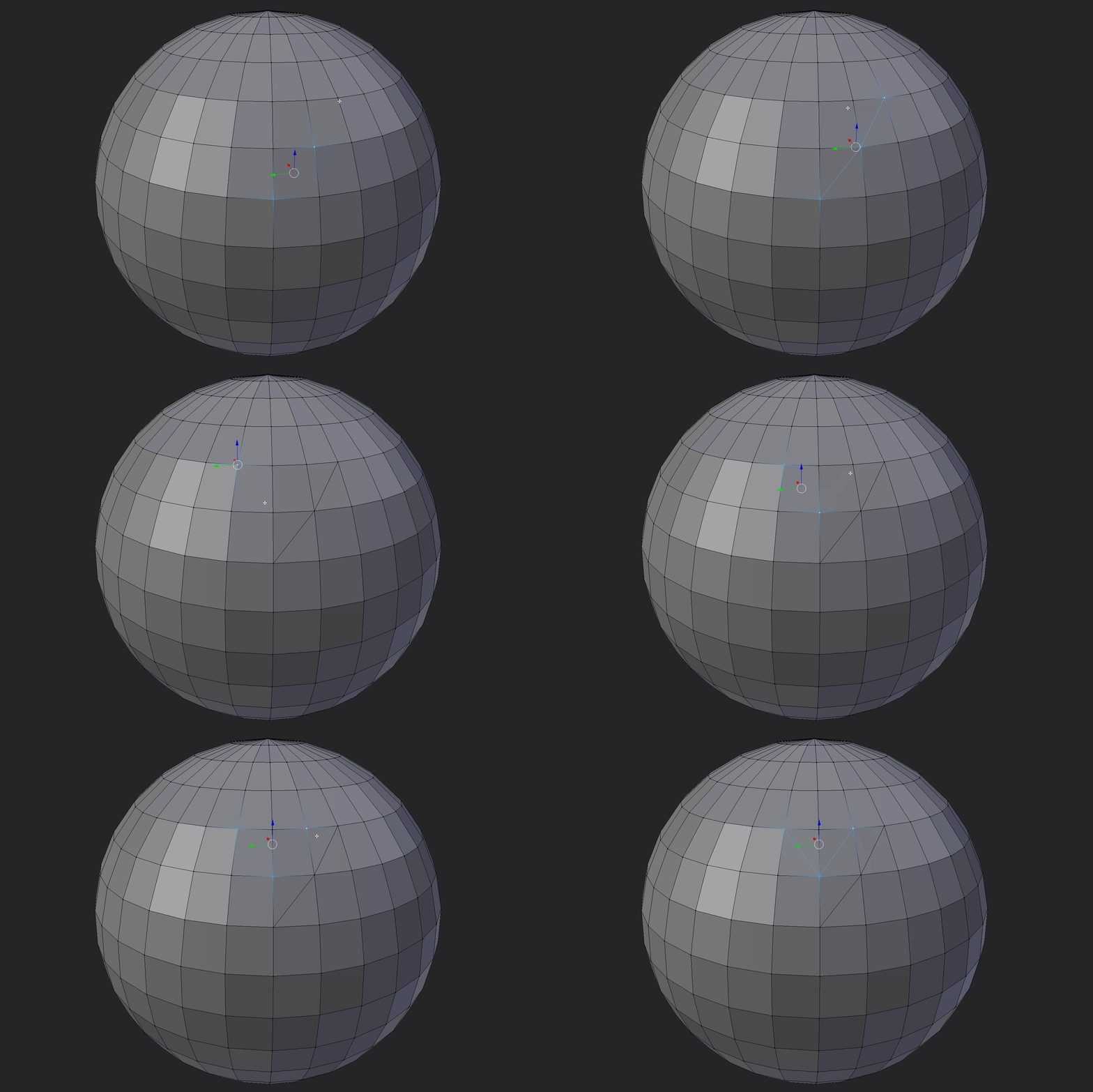 Hey Guys, I have been playing around with blender and some scripting lately. I decided to port Pedro's excellent super smart create script I am really new to Blender and my python coding skills are not the finest, so please if you find any better way to do stuff or if i'm making any stupid shit just let me know. Anyways,…
 -
Smoothing for Game Models question(s)
I am a little bit confused by why/when to smooth for game models. If I want sharp edges on a cube that I am going to smooth I need to add edge loops close to the edges I want to stay sharp, right? The question to me is - do I want that all the time or even most of the time? Why not just "not smooth" it? Is the idea to do a…
>27982 results