Search
-
Re: Help me get the right clipping mask in ps.
 Or instead, right click on the layer style layer (the stroke in this case) and hit create layer, this will turn it into a standard layer, merge it with the red shape layer, and then drop shadow that. should be coming up rosy if all goes well.
 -
The Making of Adult Ellie, The Last of Us Fanart

 Hey guys, There are so many people asking me about the process of making my Ellie fanart so I decided to do a making of for this character. This is just an overview, not an in-depth tutorial. I can't go into details for everything unfortunately due to time constraints. I'm sorry if you couldn't find the information you are…
 -
Re: toolbag 4 - ray tracing render shows UV seams
 Year 2024 I ran into this problem as well. The problem: 1. Obvious seams when Raytracing turned on while SSS applied. 2. I didn't use any UDIM scheme. My character is splitted into two meshes, one for head and one for body, each has its own single tile UV. 3. The seam appeared where the head joins the body. The solution:…
 -
Interior with Hero Asset WIP Thread
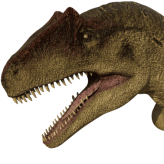
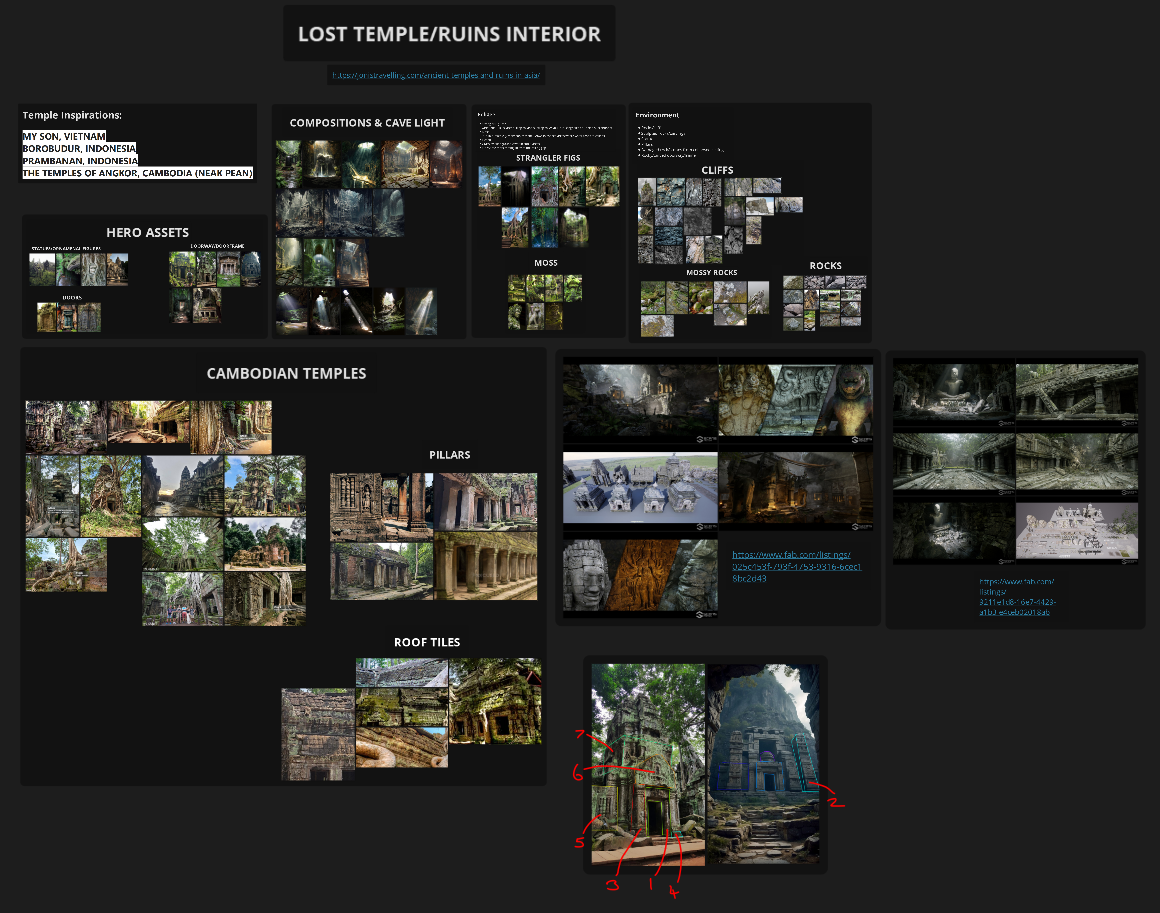 This is for an assignment on my University course, 3D Games Art. (Thread taken from my own post on our Uni forum). For this brief, I am creating a cave interior with my hero asset being an ancient building ruin inspired by Cambodian temples such as Angkor Wat and Ta Prohm. I created some greybox models in Maya first to…
 -
Re: Substance Painter won't detect crevices in my height map?
 Hi! I think this could be because you put the anchor on a layer with a constant height value. In that case I would try to anchor the mask instead. Could test this by putting some texture into the height value of the layer, see if changes anything. Maybe you can use a layer with paththrough blendmode to flatten the height…
 -
Re: Kale Jodoni
 tip on shading in your concepts that I could have done with a long time ago. Dark and Light area's are more than where you expect them to be, it seems your shading leaves mostly midtones, which is what makes your concepts look fairly flat. My advice would be to start off with a perfect gray layer. then a colour layer on…
 -
Re: Mudbox to ZBrush, how?
 Actually, forget what I posted earlier - you can simply transfer over the highest subd level without layers into Zbrush, then from Mudbox export again with the desired layer applied and in Zbrush create a new layer, set to record mode and import the OBJ (into it). I'm not going to ruin my weekend messing with this ;) but…
 -
Re: Depiction and Inclusion of Religion, Culture and Ethnicities in games
 1 - Easy: Is it fun? Does it catch my eye? How much do I gravitate? 50/50? I don't go out of my way, but I don't shy away from it. 2 - Maybe it's overall expectation from the audience that game development happens in Western countries, Japan and China? Games from India, Africa, Mexico and others might get passed over…
 -
Re: Maya ramp texture mapped to shadow colour of direction light, how to?
 (Color Utilities) Surface Luminance -> (Color Utilities) Clamp -> Ramp Add as a layer to the shader you want it to affect. The layer can either be a layer in a layered texture or layered shader. This doesn't solve your request in the OP but can be used to solve faking SSS.
 -
Re: Overlaying / Mixing normal maps
 there is many ways to mix normal maps and they can have different results. Its not always going to be optimal to remove the blue channel however, although it works fine if you are doing it to texture sampled normal maps, as apposed to those created via surface sampling. But for in photoshop layering one normal map over…
>27692 results