Search
-
Re: Symmetric Unwraps
 Just detach the correctly UV'ed faces from the mesh, delete the messed up ones and run symmetry on the correct faces and weld everything back into place. Which is what I think Sean was hinting at. About the copy/paste. Its based on vertex number it won't work within the same mesh because the vertex numbering is different.…
 -
Re: Good Settings for Xnormal Curvature Map?
 Sorry for necroposting, maybe it's a rational necro, let's see... I am trying to generate a Grayscale Curvatures Map like Blender's Dirty Vertex Paint (pic), or Lightwave's Dpont Curvatures node (pic-top row, second from left) so: Black=Concave | 50%Gray=Flat | White=Convex I know that there is a 'monochrome' option in the…
 -
Re: Why you should NOT trust 3ds Max's viewport normal-map display!
 xoliul, that's not really true. How you generate the tangent space at the end (ie introduce new splits based on tangent vectors...) is really up the final implementation, and I would say differences exist here for sure. tangent space is a per-triangle feature (same as surface normal). But the same issues that exist when…
 -
Re: Modo: Pixel Snapping UVs
 Hello Ben, i contact you about your script that help defining UV grid to snap uv point to every pixel of our texture 128² to 4096². I've seen that if you open the "Snapping Options" and turned on the coordinate rounding to "force fixed" instead of "fixed" you can use the move tool to snap a point to a pixel center just by…
 -
Re: Object space vs. tangent? (Character model)
there is no reason it shouldnt work. As said there were animated vertex normals, now with OS-normalmap it's the same, just on pixel level. You can think of those spaces as a "axis cross" with 3 vectors for each major axis. Whether you feed 3 vectors to transform tangentspace to worldspace, or objectspace to worldspace… -
Re: Topogun
 I tried making some basic meshes and it isn't really going fast :/ At the moment I make a row of vertexes, another row of vertexes and then select vertexes one by one and use the bridge button. Is there a faster way of doing this?
 -
Re: Texturing a terrain
 but the vertex painter need a lot of vertex to have a good detail on painted texture. How do you keep low poly terrain or terrain polygon optimized but at the same time be able to use vertex painter efficiently??
 -
Re: Term 1 - Development Projects Progress

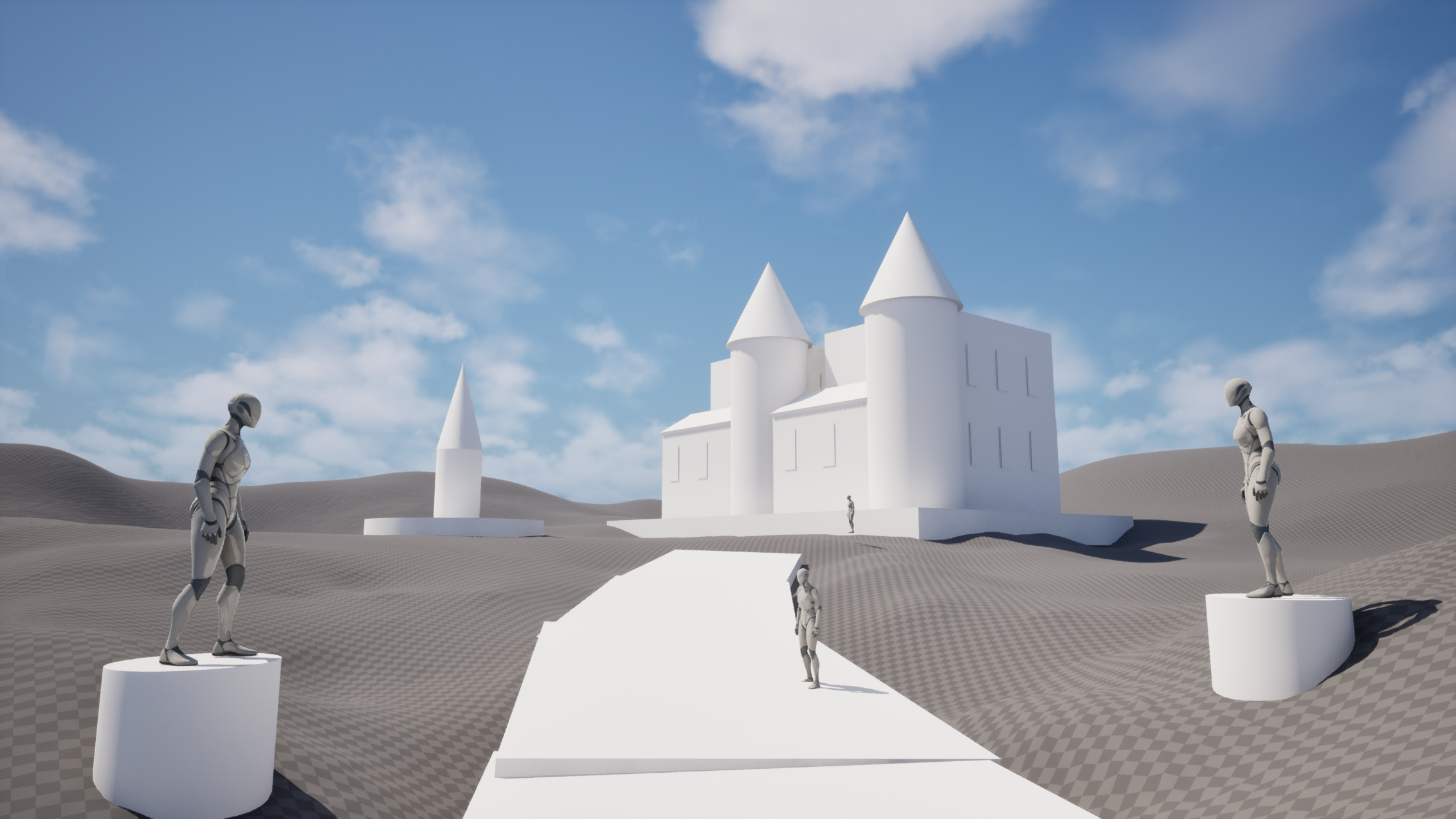 Hello Everyone! This Week's Update. I have added a few more elements to my composition blockout in UE5.7 to push the layout and overall feel a bit further. After that, I jumped into the main centerpiece of the scene, the gothic house. I am building it using a modular workflow, or at least as close to modular as I could…
 -
Re: Back to Zbrush and Photoshop ?
 It's sot of hard to resist , a subject somehow looks ok at close inspection that way. Same issue you have when draw something on a canvas up close and often need a few steps back and try to catch an impression your work lefts in a corner of your eye. While Zbrush does it automatically since you go from low res to high.…
 -
Re: [Technical Talk] - Max Plugins
 IIRC QuickDirt was vertex-based, but I might be wrong. You could simply render AO into the vertex colors using the Vertex Paint modifier, then use the contrast adjustments in the same modifier. Should get you what you want.
>9921 results