Just Swords - SpeedMetalSF

polycounter lvl 9
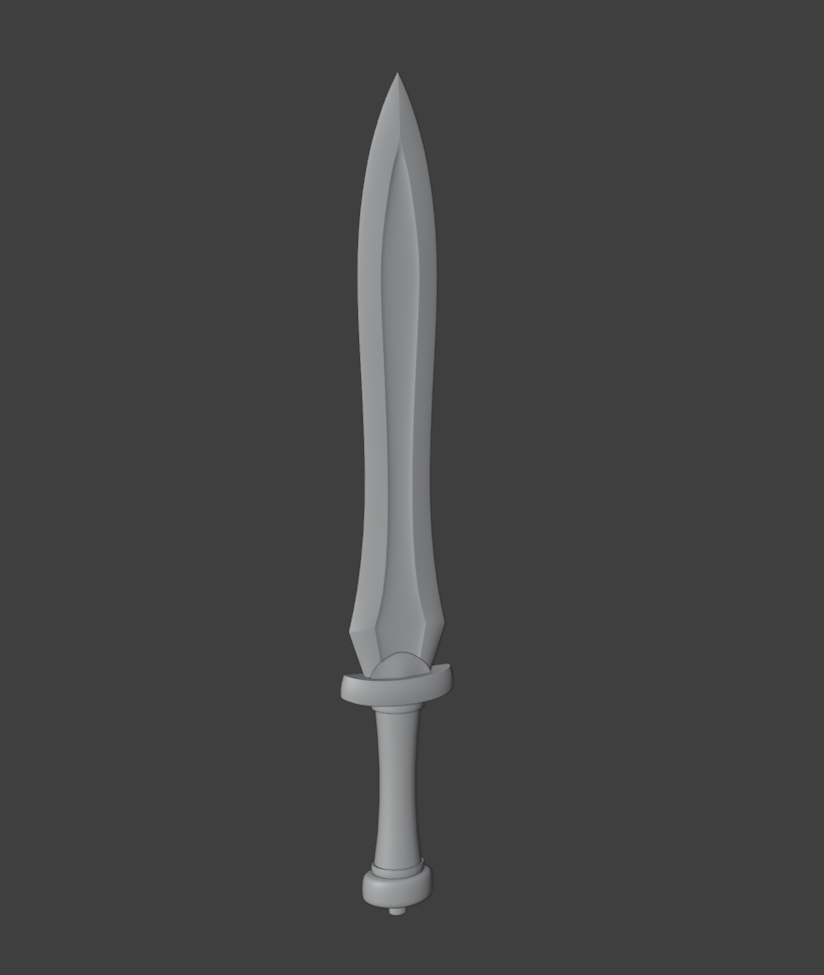
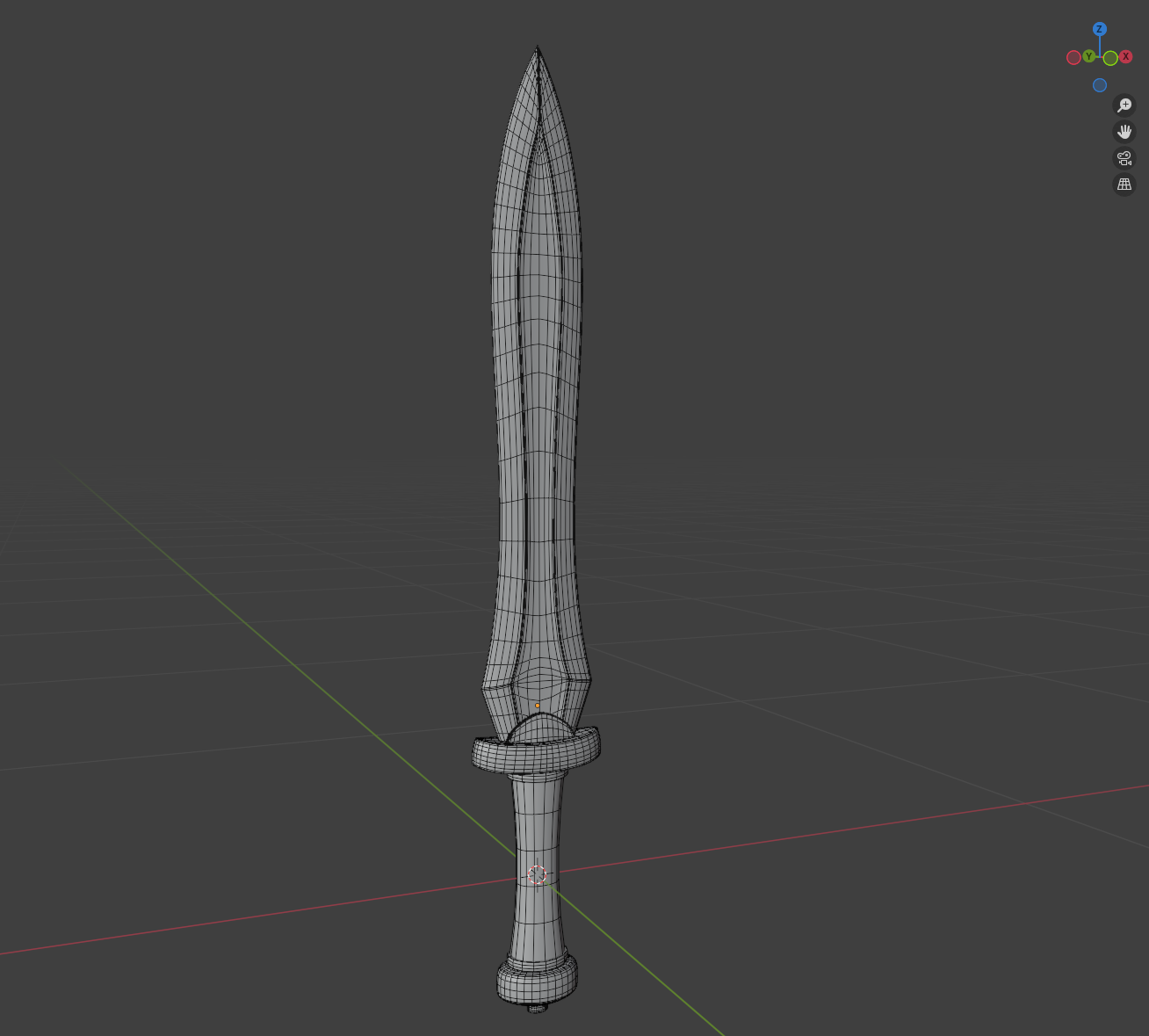
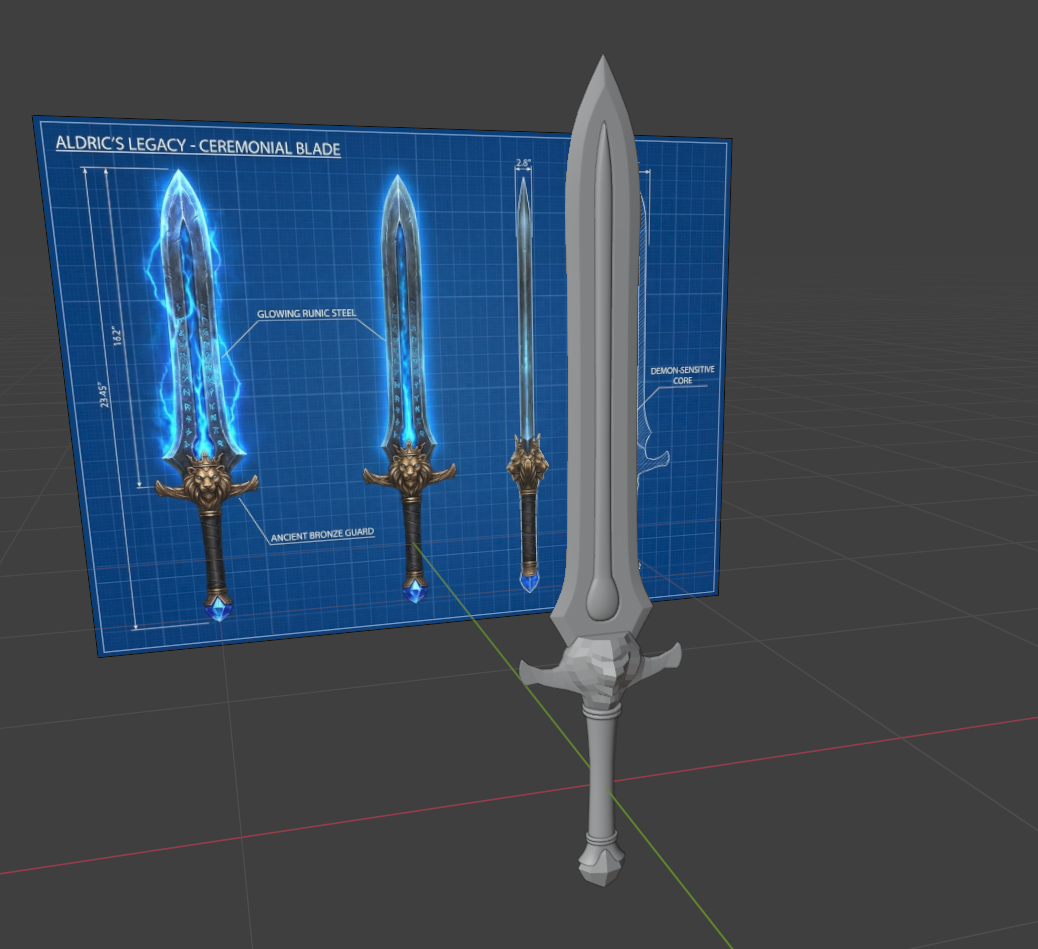
Hello. I took some 3D modelling courses after high school about 12 years ago and recently got back into modelling. I'm using Blender now which is not what I originally learned on and still learning the software. Anyway here are some swords I'm working on.
Replies
You can still use sculpting tools to massage around or smooth out the control cage / base level of subdivision modeling meshes in some cases where that makes sense (basically use them as additional tools in your SD modeling repertoire), but generally, once you start sculpting for real, it's a one way street. If you want to go back, you'd have to retopologize and that probably doesn't make sense in your case, which seems to be a high poly mesh (correct me if I got that wrong), or bake the detail down to maps for your (either original or newly created) lowpoly mesh.
So the best course of action would be to subdivide that specific part, do an automated retopo do get evenly distributed faces and sculpt from there, subdividing when necessary. You could even break the hilt down some more and your final object would be a mixture of subdivision modeling meshes and sculpted parts, and if they are too highpoly, you could automatically reduce them to lighter triangle meshes as a last step since they aren't deforming.
just for completeness sake: If they were deforming, then displacement maps would be a good way to keep a light base mesh (for skinning or other deformations) and transfer the sculpted details to a subdivided state of the mesh.
Expanded and edited for clarity.