[3DSMAX] Something similar to Blender Mesh-machine Offset Cut?

interpolator
There is a very fast workflow in Blender to simulate smooth intersections of booleans by using offset cut. It does not create nice geometry, but it works visually. Is there any sort of script that can replicate something like this in 3dsmax?
If I export meshes that have a Meshmachine offset-cut from Blender to 3dsmax the polygons have strange self-overlapping that should not be possible. Even stranger is that when I drag a vertex of such a polygon it revers toa normal state. Otherwise I could use a quick exp and import method (not ideal but butter than nothing).
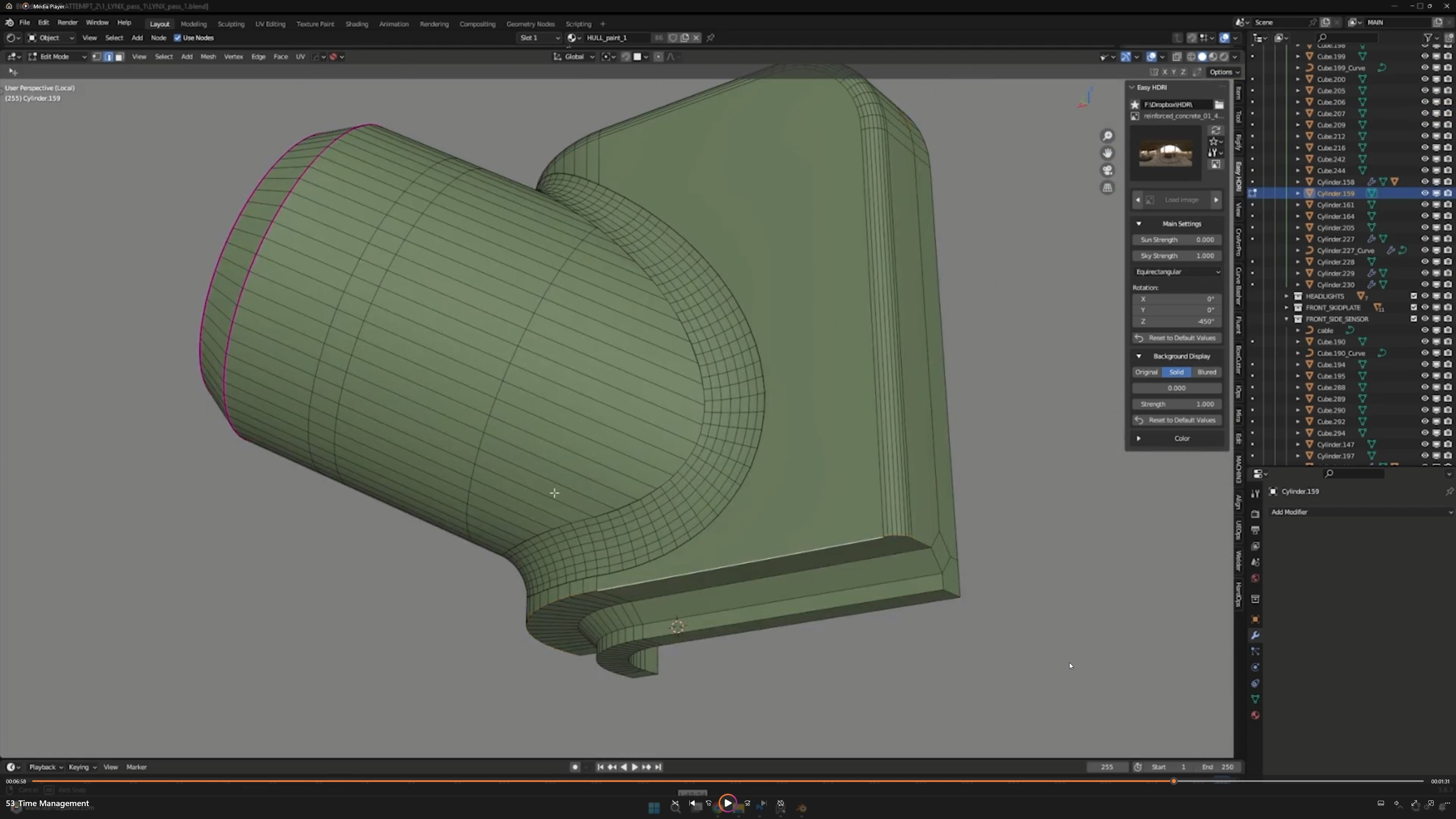
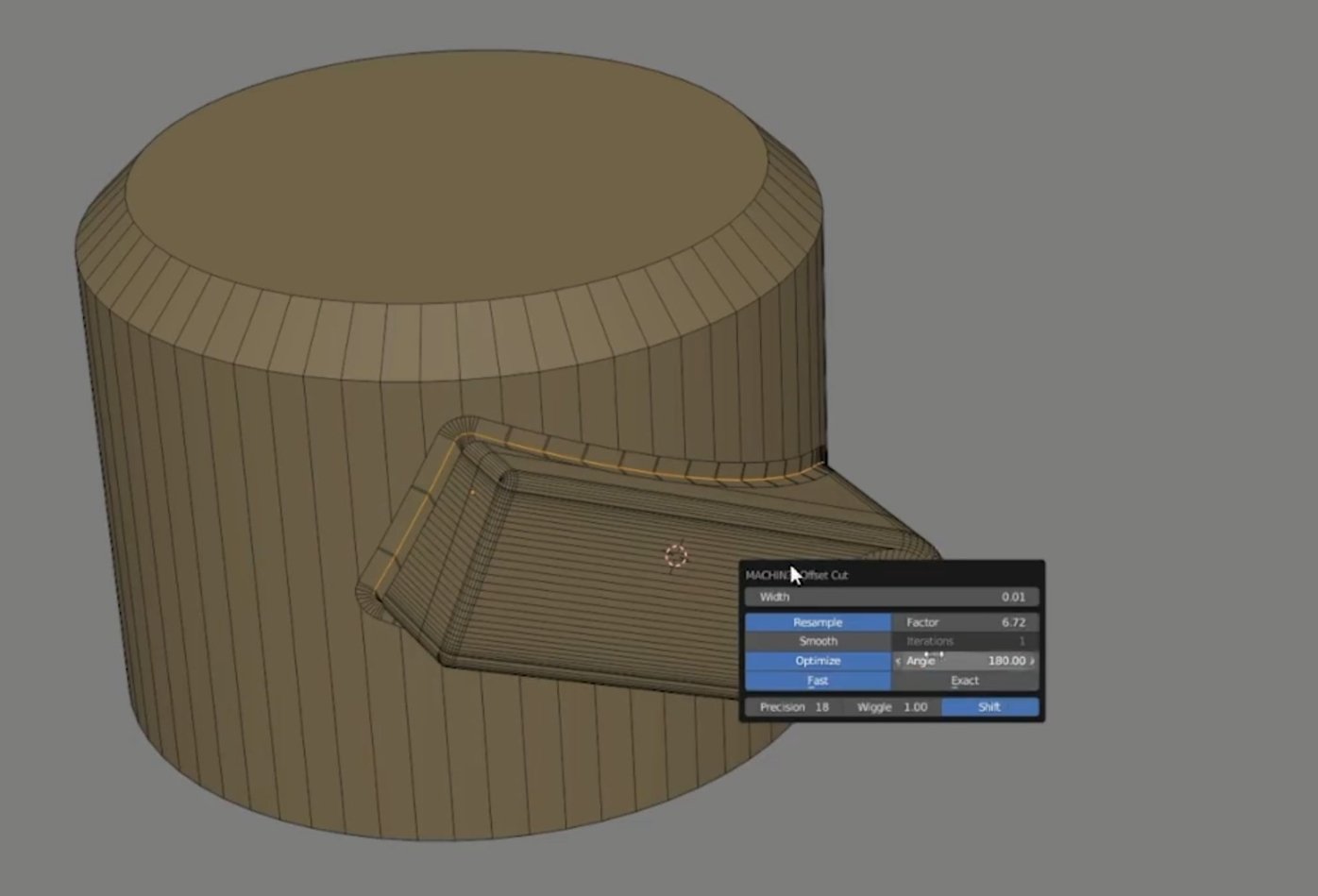
Problem when exporting to 3dsmax (example of polygon self-overlapping in 3dsmax)
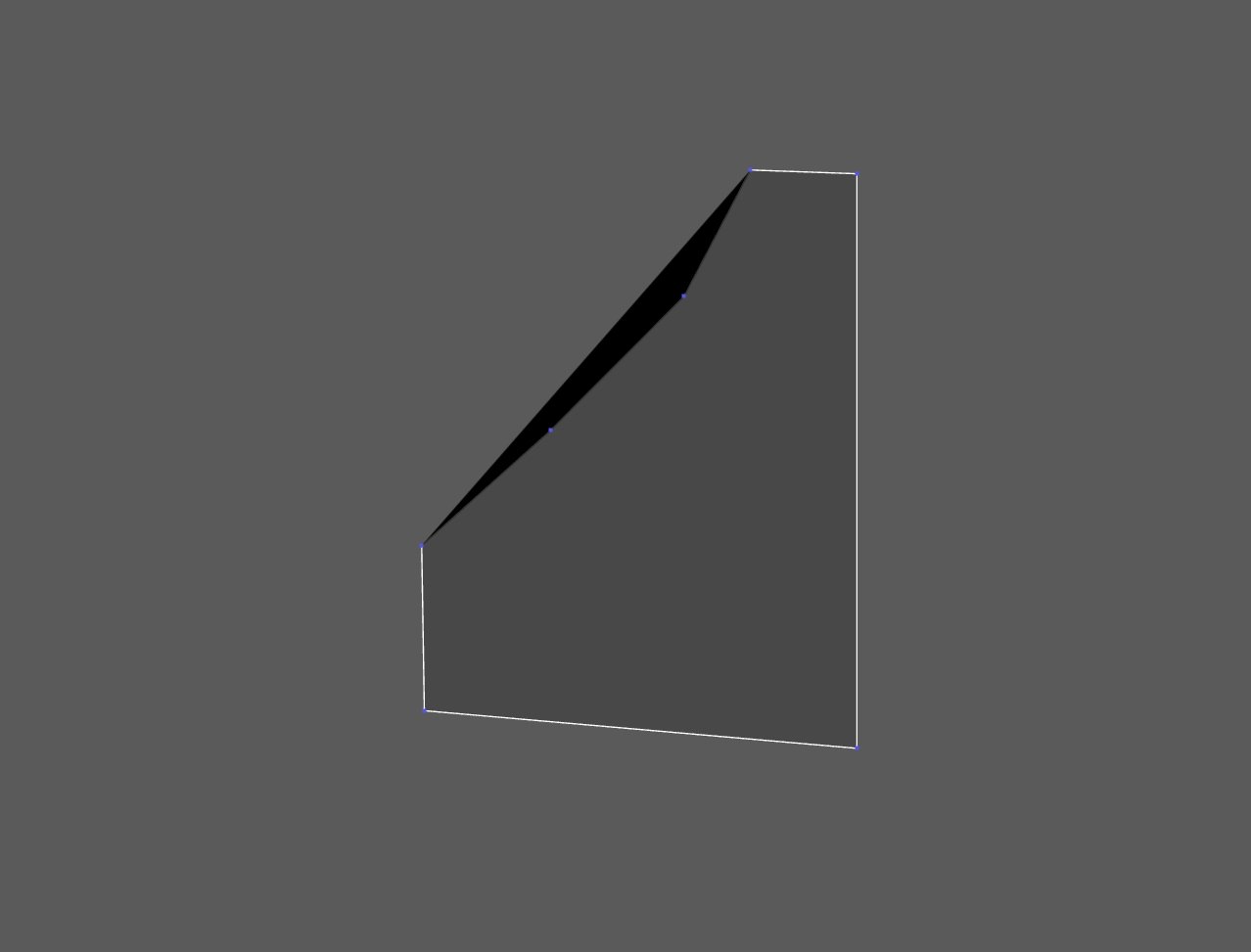
When I drag a vertex it revers back to normal:
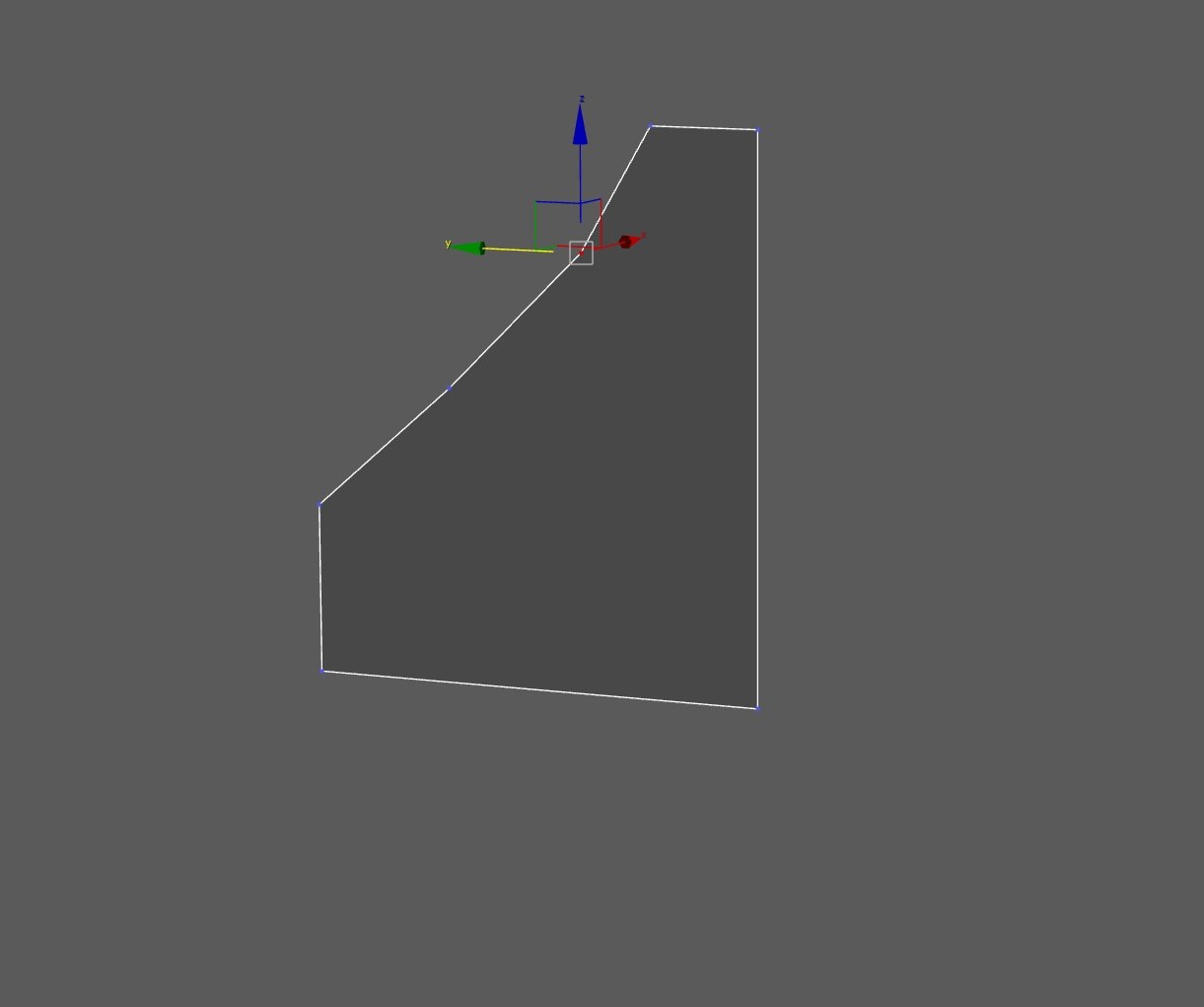
Problem in 3dsmax:
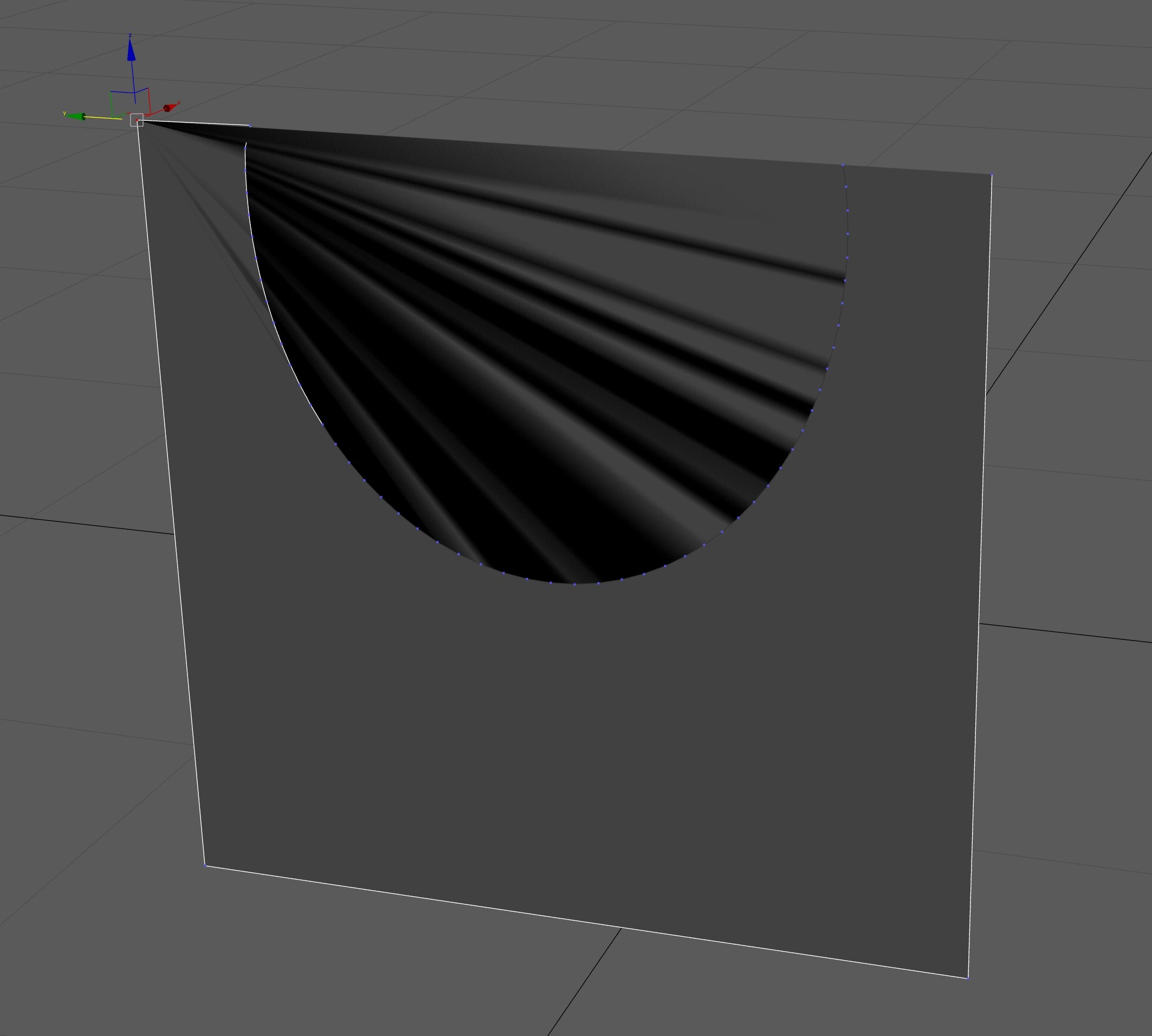
Moving one vertex again solves the problem
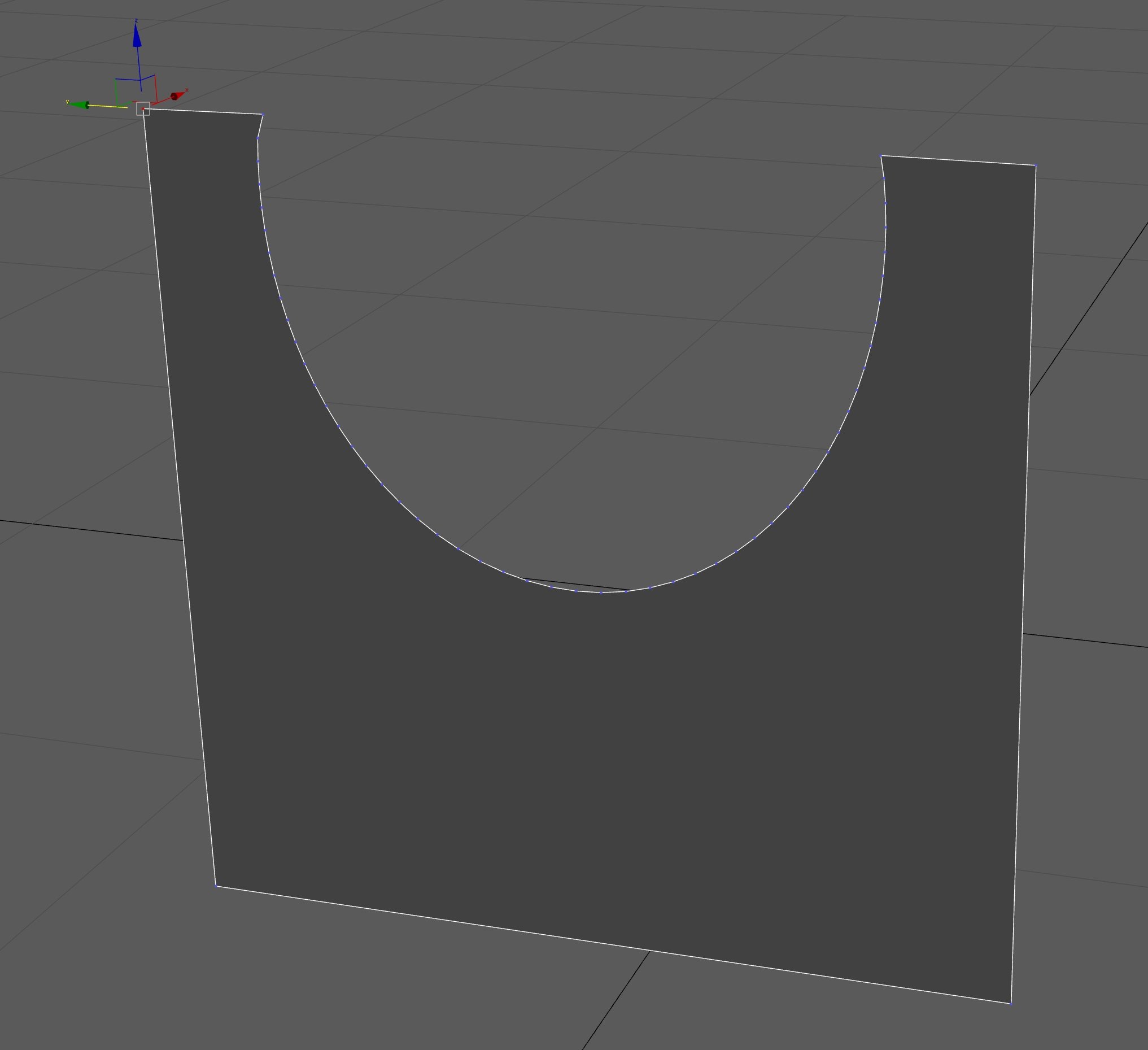
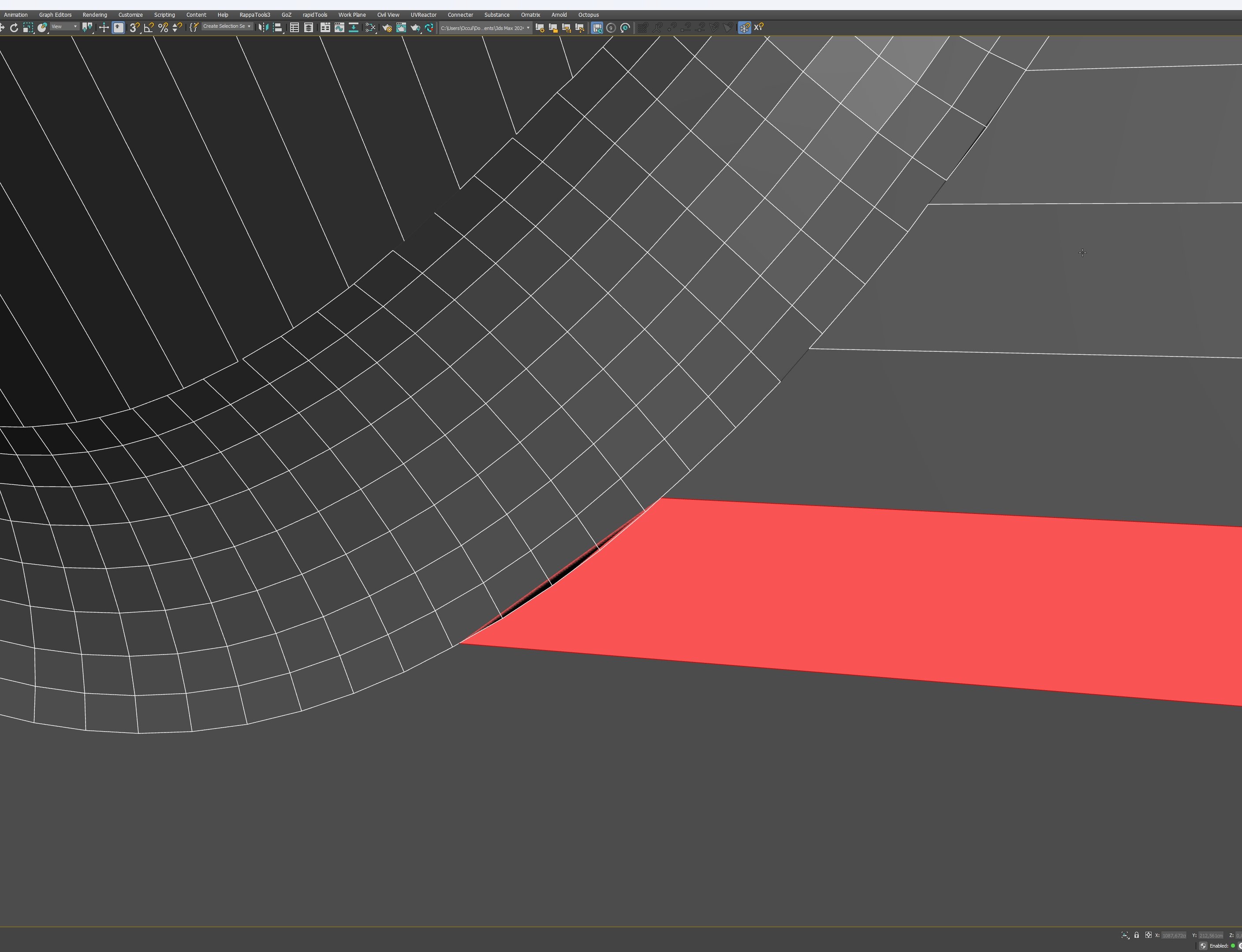
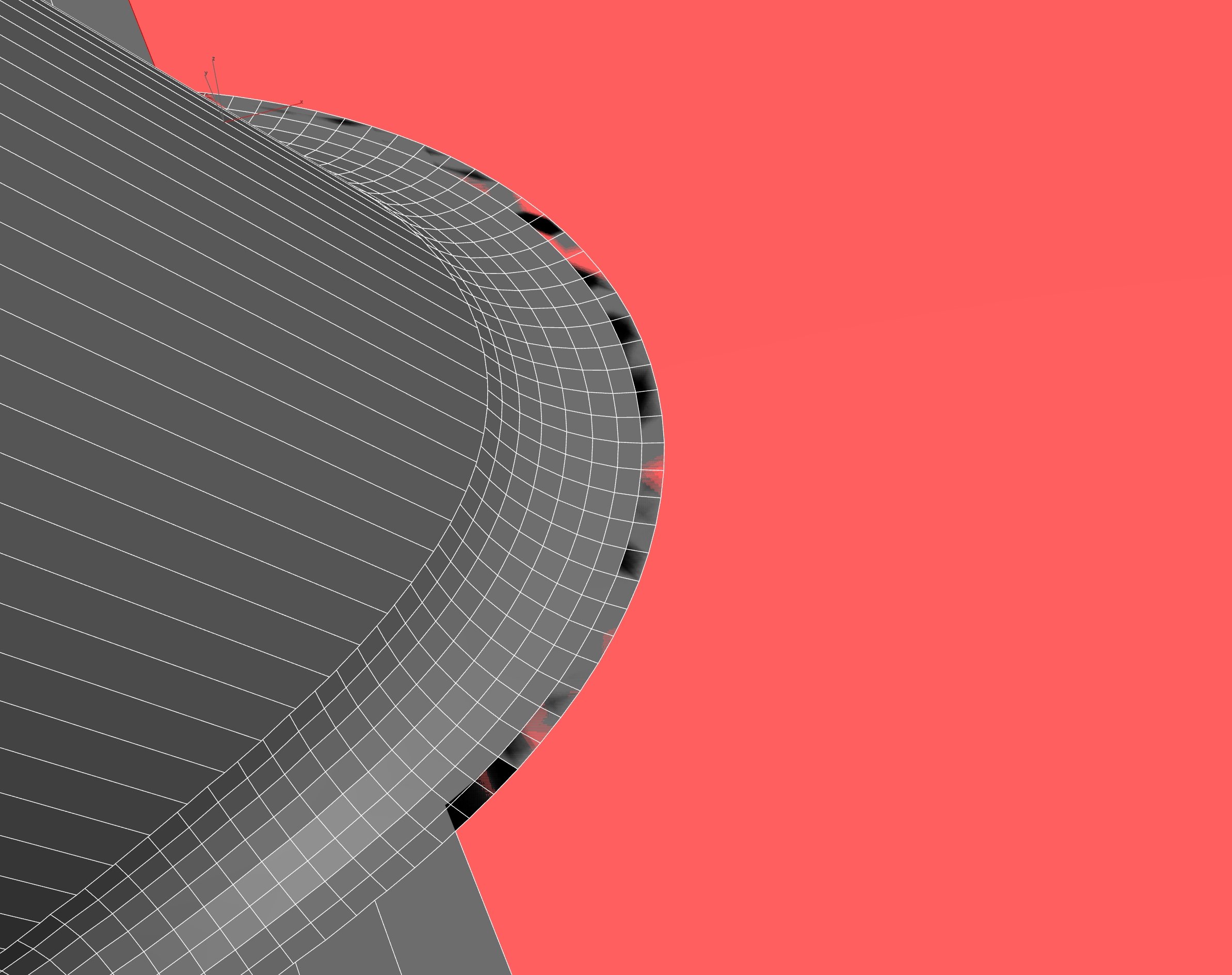
If I export meshes that have a Meshmachine offset-cut from Blender to 3dsmax the polygons have strange self-overlapping that should not be possible. Even stranger is that when I drag a vertex of such a polygon it revers toa normal state. Otherwise I could use a quick exp and import method (not ideal but butter than nothing).
Problem when exporting to 3dsmax (example of polygon self-overlapping in 3dsmax)
When I drag a vertex it revers back to normal:
Problem in 3dsmax:
Moving one vertex again solves the problem
Replies
I didn't have the opportunity to use it a lot so far, but as far as I remember, it worked fine when I did some tests.
As for your triangulation problem, what happens if you do a render? Triangulating the mesh before export isn't practical, I assume?
I can really quickly export and re-import from blender if I need to. The problem is the messed up geometry.
Triangulation isn't an option because I want to retain the ability to continue modeling.
The only reason I want to use Blender right now is for the Meshmachine Offset Cut. All the other modeling I do in 3dsmax.
There must be some reason for the topology mismatch between Blender and Max. Geometry is Geometry. An OBJ or FBX file should work about the same in most applications unless there is an actual error in the geometry.
BTW this happens on all objects I export. It isn't object specific. I also know it must be possible to get it working.
I know this was created largely the same way and these objects work in 3dsmax (I have his video tutorial)
: https://principalforms.gumroad.com/l/details-matter
But there should be a reason for the topology mismatch between Blender and Max. An OBJ or FBX file should work about the same in most applications unless there is an actual error in the geometry.
3rd Row.
Adding an edit Normals modifier solves the problem:
Edit: Interesting. While Hardmesh seems to be discontinued, last time I checked, 2021 seemed to be the last supported version, and it still says that on the main page, but when I just looked at the download page, it says HardMesh_1.0_for_3dsMax_2022.zip
Since blender doesn't (and can't) use the official SDK for fbx export it's rife with these sort of issues.
For the OP - when you Boolean in max (maybe proboolean) it generates an edge selection where the objects intersect.
I've used that to generate fillets/clean up/ make welds etc in the past