Home Technical Talk

[3DSMAX] Something similar to Blender Mesh-machine Offset Cut?

interpolator
Offline / Send Message
OccultMonk interpolator
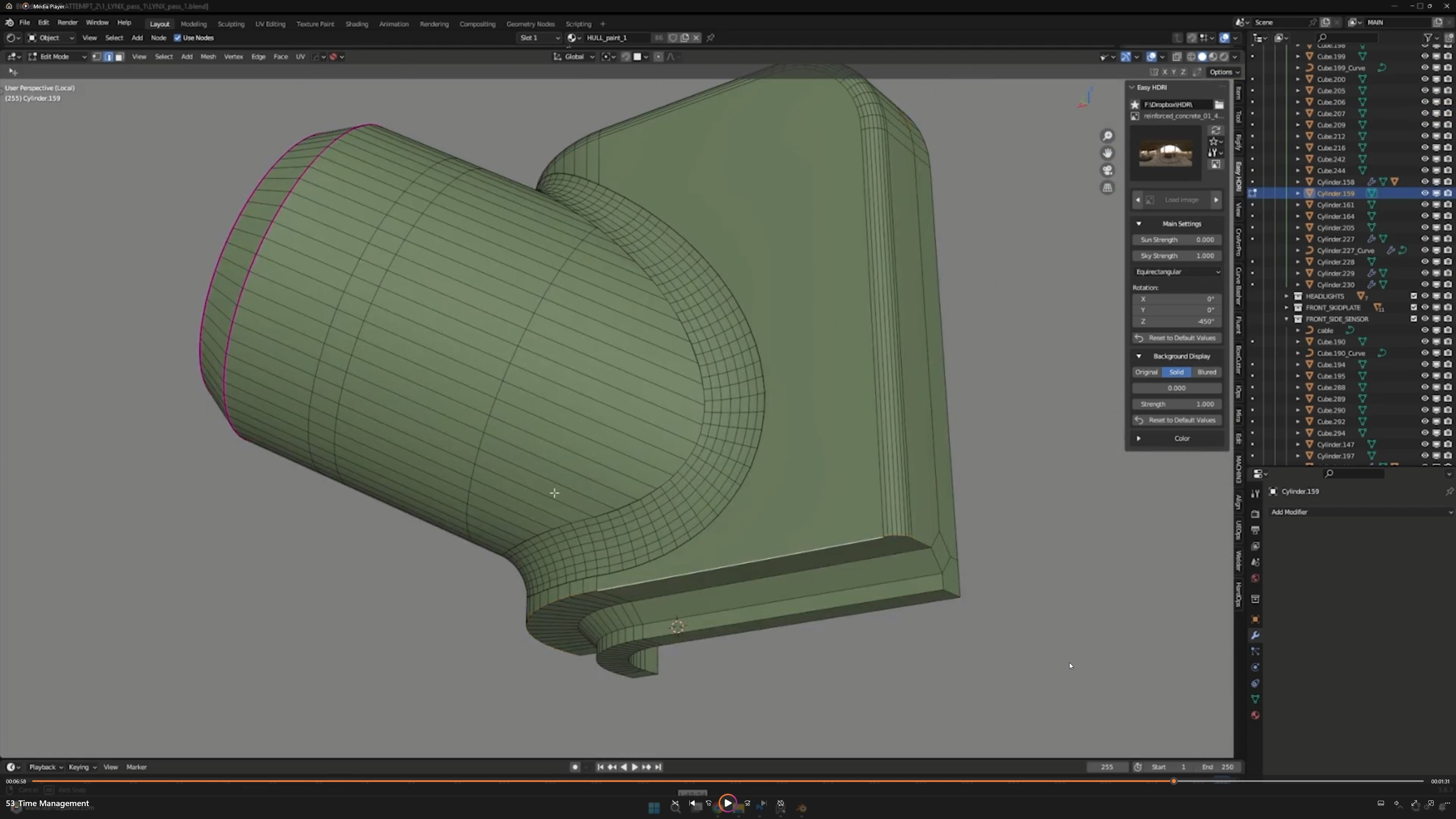
There is a very fast workflow in Blender to simulate smooth intersections of booleans by using offset cut. It does not create nice geometry, but it works visually. Is there any sort of script that can replicate something like this in 3dsmax?

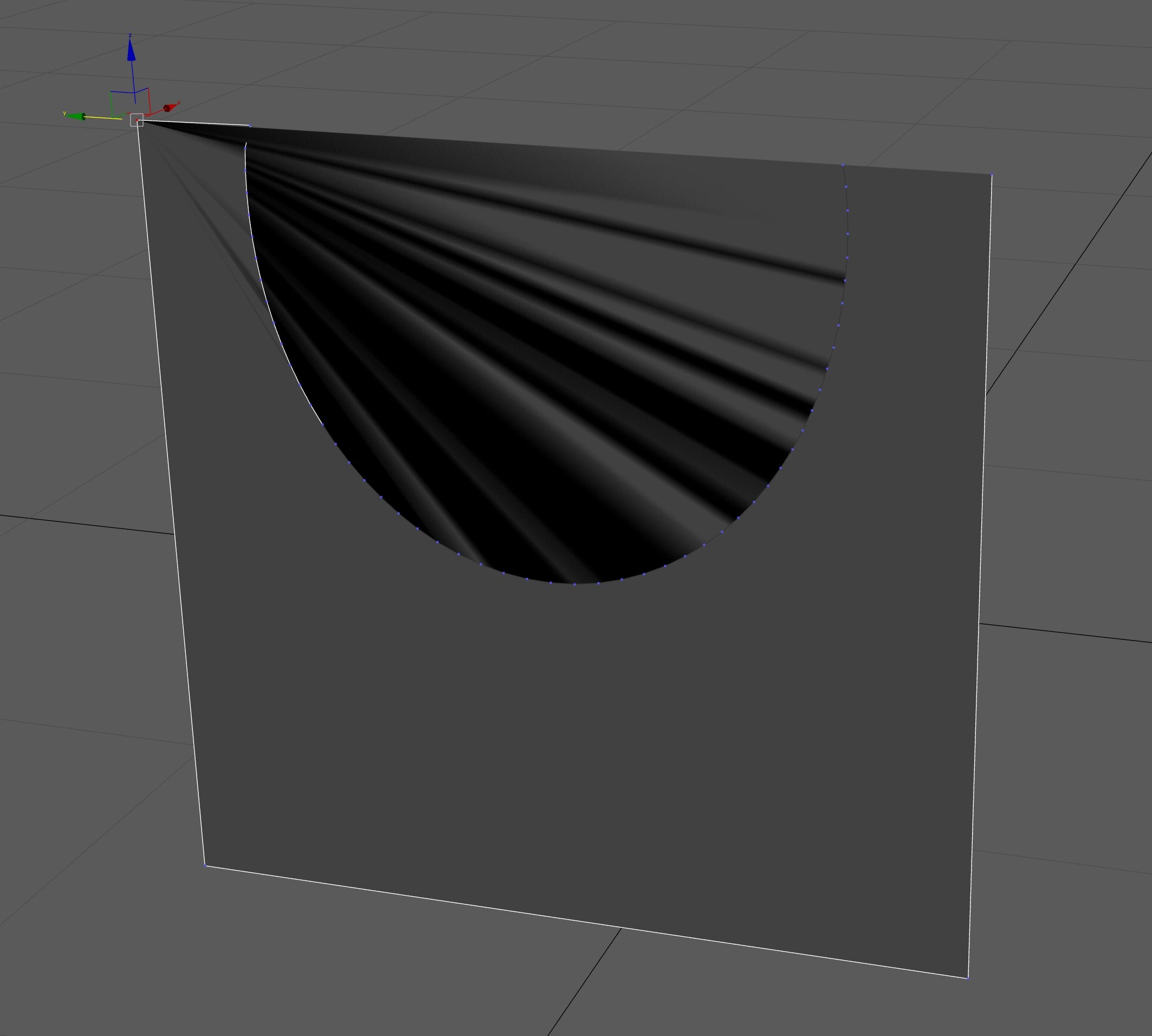
If I export meshes that have a Meshmachine offset-cut from Blender to 3dsmax the polygons have strange self-overlapping that should not be possible. Even stranger is that when I drag a vertex of such a polygon it revers toa normal state. Otherwise I could use a quick exp and import method (not ideal but butter than nothing).
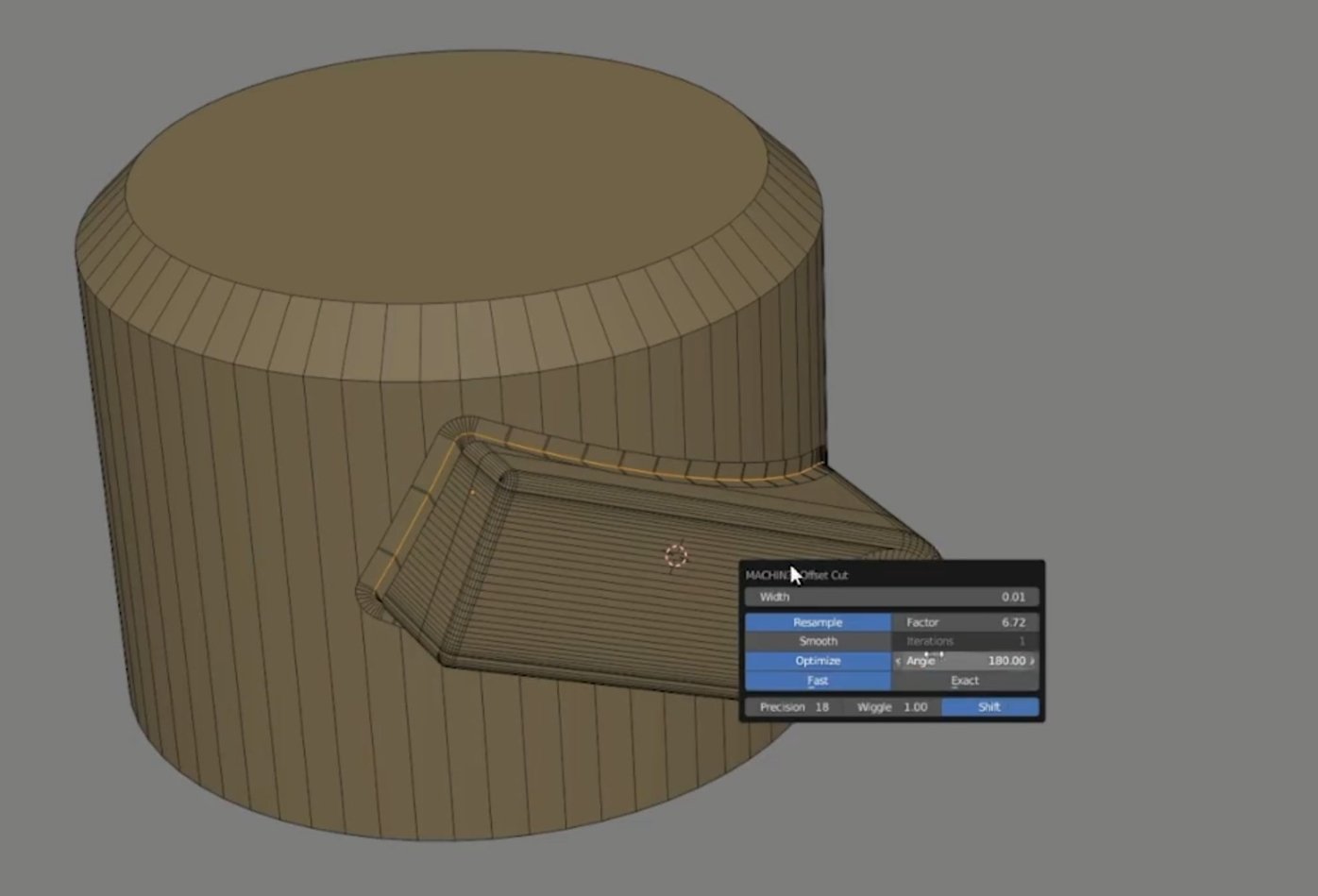


Problem when exporting to 3dsmax (example of polygon self-overlapping in 3dsmax)
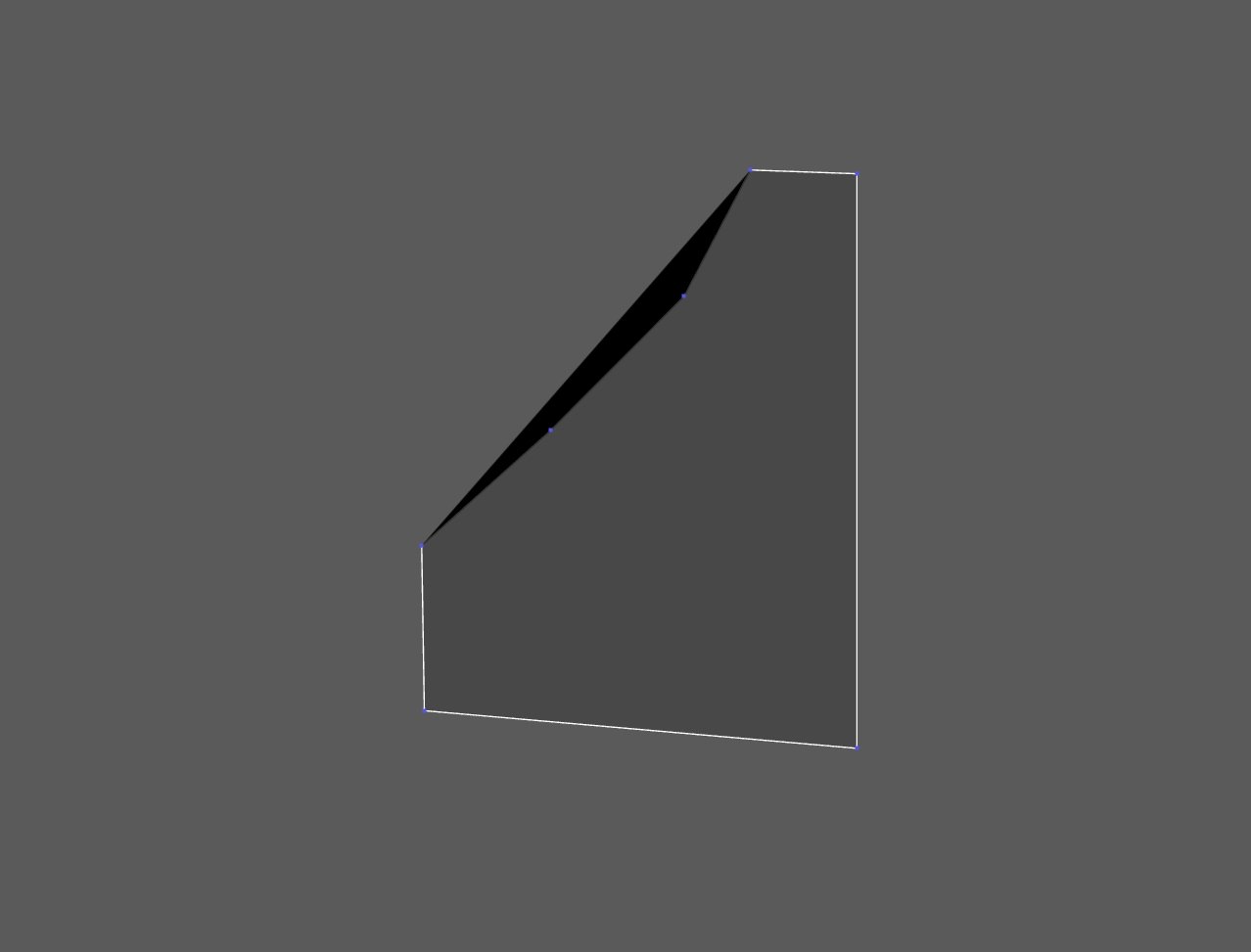
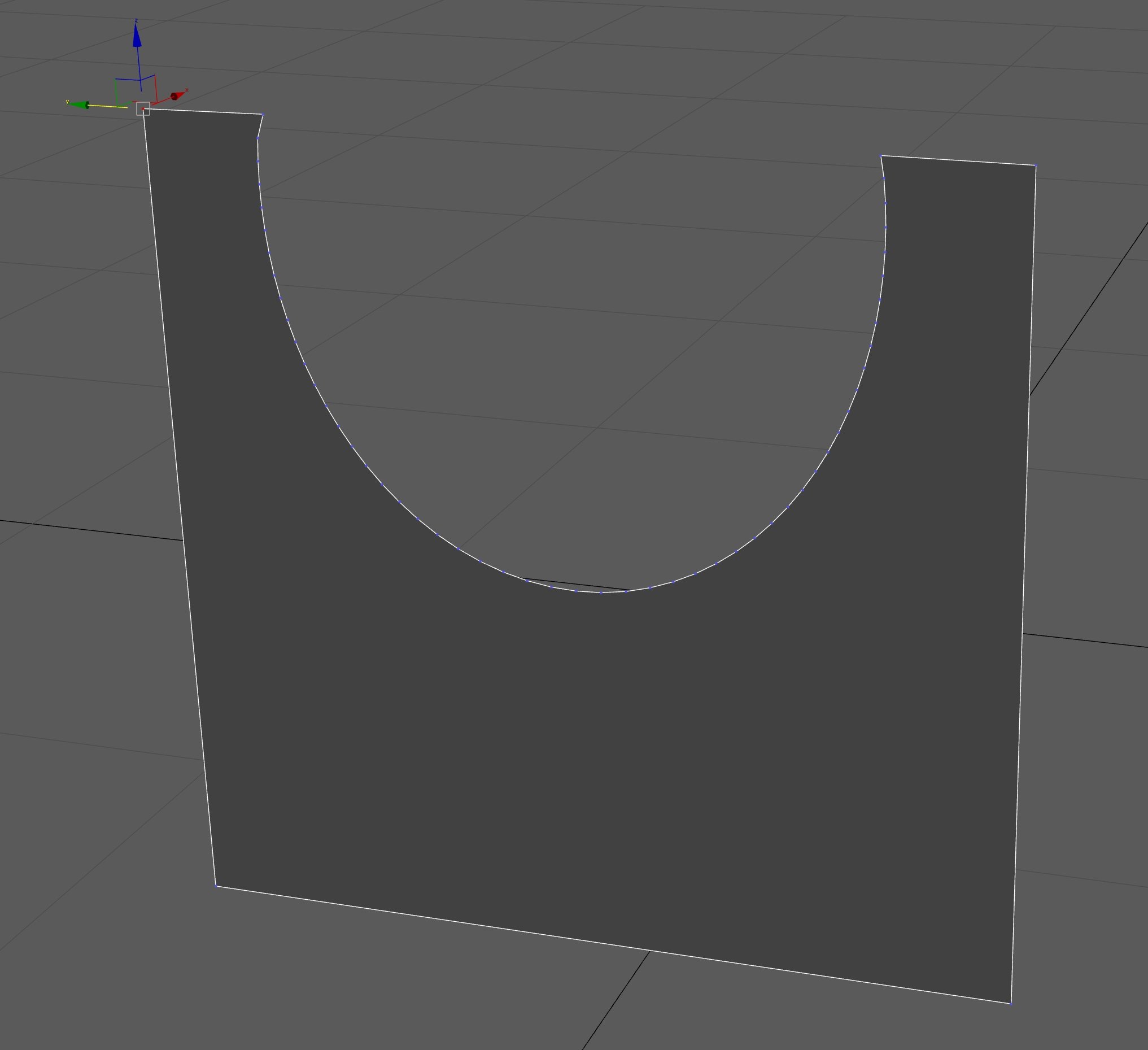
When I drag a vertex it revers back to normal:
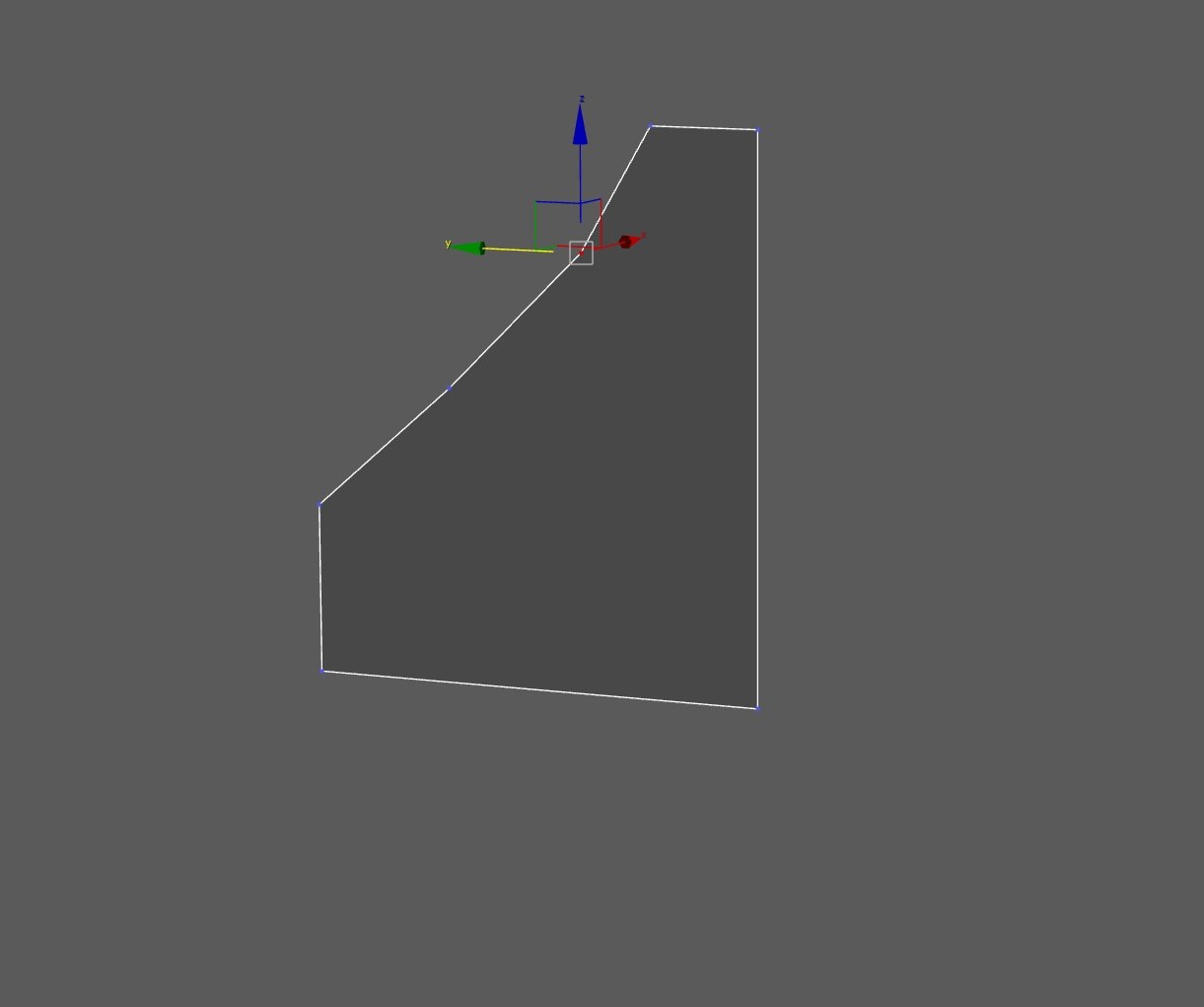
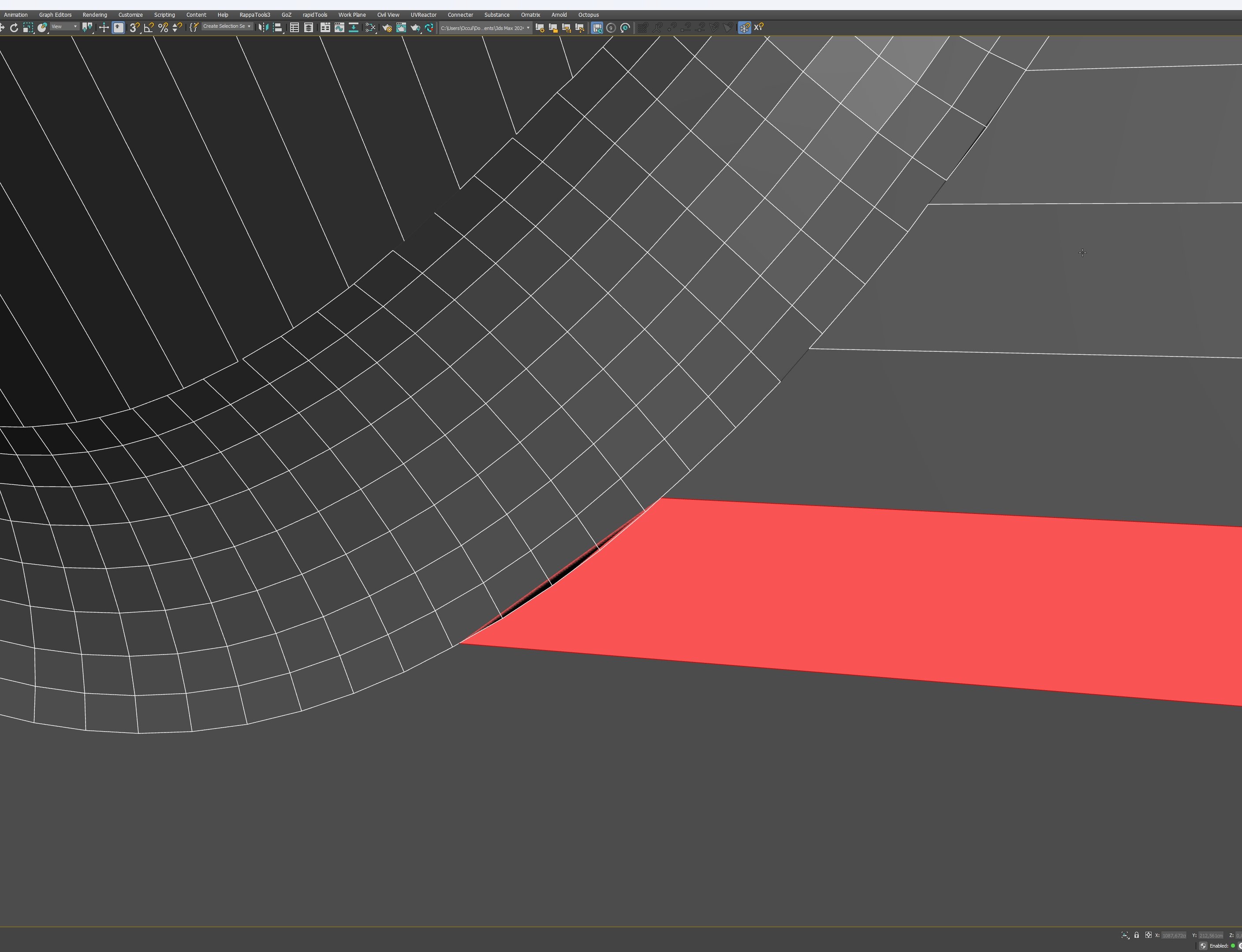
Problem in 3dsmax:
Moving one vertex again solves the problem
Replies

  • Noren
    Offline / Send Message
    Noren interpolator
    I don't know how the speed and workflow compares, and it's not free, either, but take a look at KM3D's Smooth Booleans, perhaps. 
    I didn't have the opportunity to use it a lot so far, but as far as I remember, it worked fine when I did some tests.

    As for your triangulation problem, what happens if you do a render? Triangulating the mesh before export isn't practical, I assume?
  • OccultMonk
    Offline / Send Message
    OccultMonk interpolator
    Thanks. I have smooth boolean, but that does not compare to the speed of using this method on chamfers.
    I can really quickly export and re-import from blender if I need to. The problem is the messed up geometry. 
    Triangulation isn't an option because I want to retain the ability to continue modeling.

  • Eric Chadwick
    I'd suggest triangulating on export, then using the Retopology modifier in Max to get it into nice quads. 
  • Eric Chadwick
    Or better yet, export without the booleans/chamfers, and do all that in Max instead.
  • OccultMonk
    Offline / Send Message
    OccultMonk interpolator
    Thanks but the Retopo modifier really isn't an option for clean HS  topology. I need to keep the geometry the same.
    The only reason I want to use Blender right now is for the Meshmachine Offset Cut. All the other modeling I do in 3dsmax.

    There must be some reason for the topology mismatch between Blender and Max. Geometry is Geometry. An OBJ or FBX file should work about the same in most applications unless there is an actual error in the geometry.

    BTW this happens on all objects I export. It isn't object specific. I also know it must be possible to get it working.

    I know this was created largely the same way and these objects work in 3dsmax (I have his video tutorial)
    https://principalforms.gumroad.com/l/details-matter
  • Eric Chadwick
    IMHO as soon as you do a boolean, you no longer have clean HS topology. I think retopo really could be the best option. Some examples https://cganimator.com/3dsmax-2021-3-retopology-modifier-quick-start-part-2/
  • OccultMonk
    Offline / Send Message
    OccultMonk interpolator
    I understand quad remeshing but it is unsuited for intermediate modeling purposes.

    But there should be a reason for the topology mismatch between Blender and Max. An OBJ or FBX file should work about the same in most applications unless there is an actual error in the geometry.
  • iam717
    Offline / Send Message
    iam717 ngon master
    Only thing i can think of is to ask the : 
     Mesh-machine
    Creator about the situation and perhaps they could provide the solution or at least bring it to their attention about this situation.  

    Assuming its a blender issue? lot of people talking bout the "editors of blender having too many hats", "in competition", what needs "fixing".  An also complaining about API issues with the same situation of the hats.  So "mod/add-on" makers saying the requests they are receiving is because the api does not allow it or is not implemented yet.  (by reading add-on comments.)

    & i have also finally with the little blender use-age I've done run into this very issue with all the "new releases" breaking a lot of stuff.  Very problematic.

    Otherwise i have not played around with any of this to have a solution.  Hope it works out for ya, also would love to hear of the solution whether or not i will ever need it.

    Edit: came back.
    Does it have to be .fbx or .obj ? have you tried just for the sake of it exporting anything else?  Perhaps its an option that is being over looked, these are just things i am mentioning of what i would try.
    See if any of these help:

    3rd Row.


  • OccultMonk
    Offline / Send Message
    OccultMonk interpolator
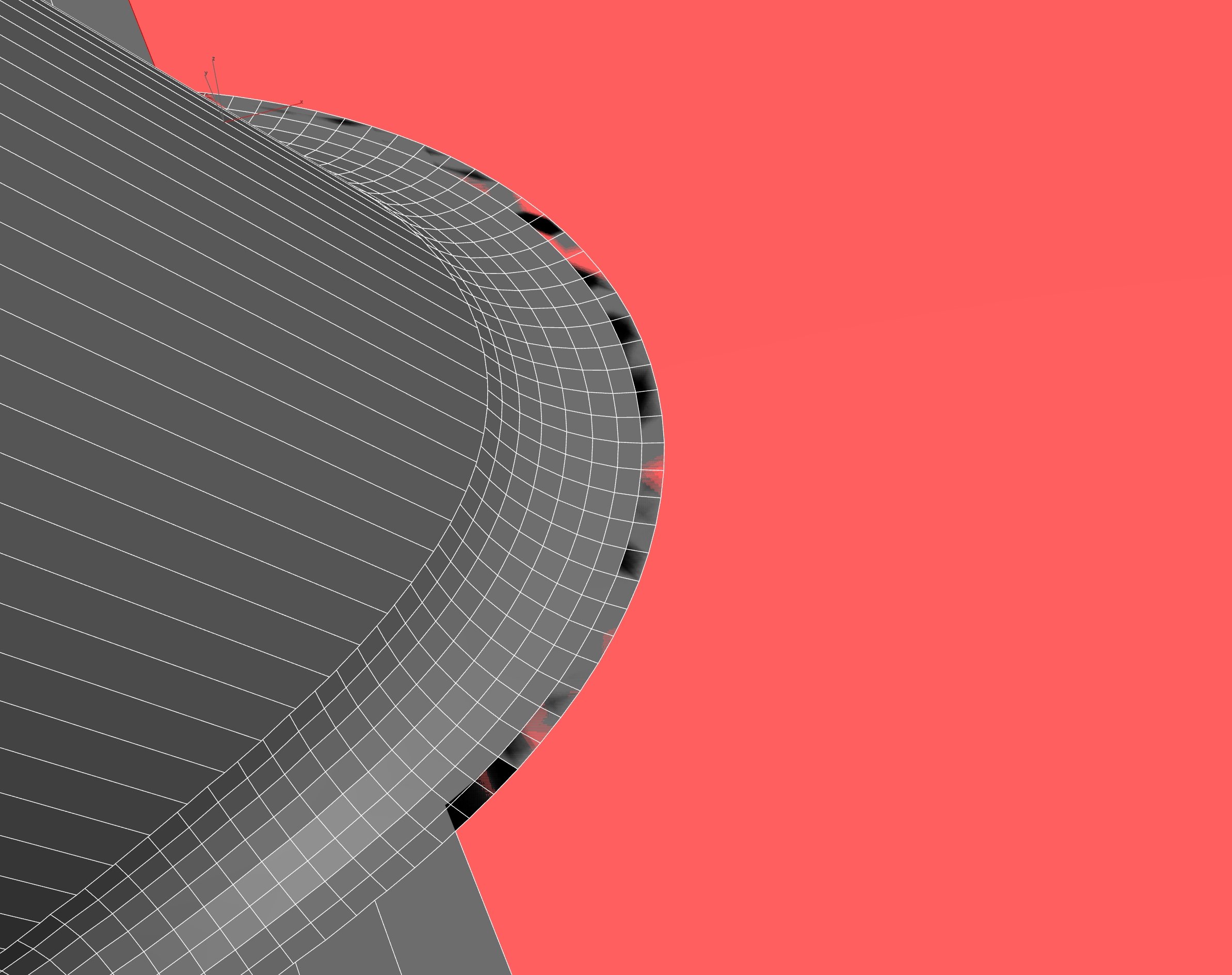
    Thanks, I e-mailed the Meshmachine creator and send him the files. Waiting for a reply. OBJ gives many more problems than FBX. But FBX import results in the problems below.

    Adding an edit Normals modifier solves the problem:


  • pxgeek
    Offline / Send Message
    pxgeek interpolator
    Hardmesh is a similar plugin (have not used).

    Max started updating their triangulation algo over the last few versions, running this command might fix the issue:
    $.enableEnhancedRetriangulation = true
    or adding edit poly modifier
  • OccultMonk
    Offline / Send Message
    OccultMonk interpolator
    Thanks. I tried but it did not make much difference. Adding an Edit Normals modifier seems to solve the problem.


  • Noren
    Offline / Send Message
    Noren interpolator
    So the triangle fan was obj and the vertex normals problem is fbx? Have you tried deactivating Smoothing Groups in the fbx import settings?

    Edit: Interesting. While Hardmesh seems to be discontinued, last time I checked, 2021 seemed to be the last supported version, and it still says that on the main page, but when I just looked at the download page, it says HardMesh_1.0_for_3dsMax_2022.zip
  • poopipe
    Offline / Send Message
    poopipe grand marshal polycounter
    Fbx has several ways to represent normals - what it uses is defined by the export process

    Since blender doesn't (and can't) use the official SDK for fbx export it's rife with these sort of issues. 
  • Noren
    Offline / Send Message
    Noren interpolator
    I don't know where they were authored, but I remember having fbx that (at least seemingly) came with both explicit vertex normals and smoothing groups. Unchecking SGs on import resulted in meshes with correct explicit vertex normals.
  • poopipe
    Offline / Send Message
    poopipe grand marshal polycounter
    That fits. Conversion between smoothing groups and not smoothing groups is kind of not possible (face boundaries vs vertices)

    For the OP - when you Boolean in max (maybe proboolean) it generates an edge selection where the objects intersect. 
    I've used that to generate fillets/clean up/ make welds etc in the past
  • OccultMonk
    Offline / Send Message
    OccultMonk interpolator
    There are many options in max, but none comes close to the fast results you get from off-set cut. In principle it should be possible to do something similar with the boolean intersection and generating a spline mesh used as a cutout. But then trying to fill that removed strip of geometry with new topology like the strip of topo generated by Meshmachine is difficult in 3ds max.
  • poopipe
    Offline / Send Message
    poopipe grand marshal polycounter
    i usually use surface tools on splines generated from the selection - but yes,  not a one click solution 

Sign In or Register to comment.