Normal Map Issues at UV-Seams
Hi!
I wanted to ask about an issue which occured to my normal map through baking in Substance Painter (2024).
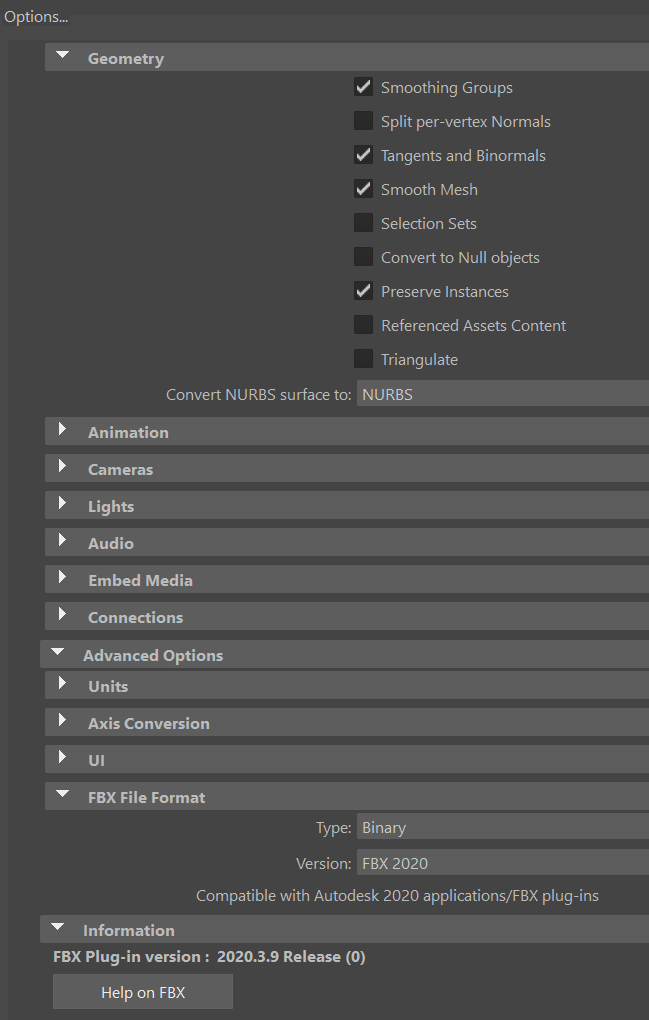
The UV seams of my mesh are clearly showing, which doesnt let it be solved through using triplanar projection, using Smudge or Stamp Tools or a brush. This tex is baked in 4k, but will be still too visible for the endproducts view (also if baked at 8k). It occured to me that it could be because of the wrong export-options through fbx (2020) or wrong ones in Painter itself.
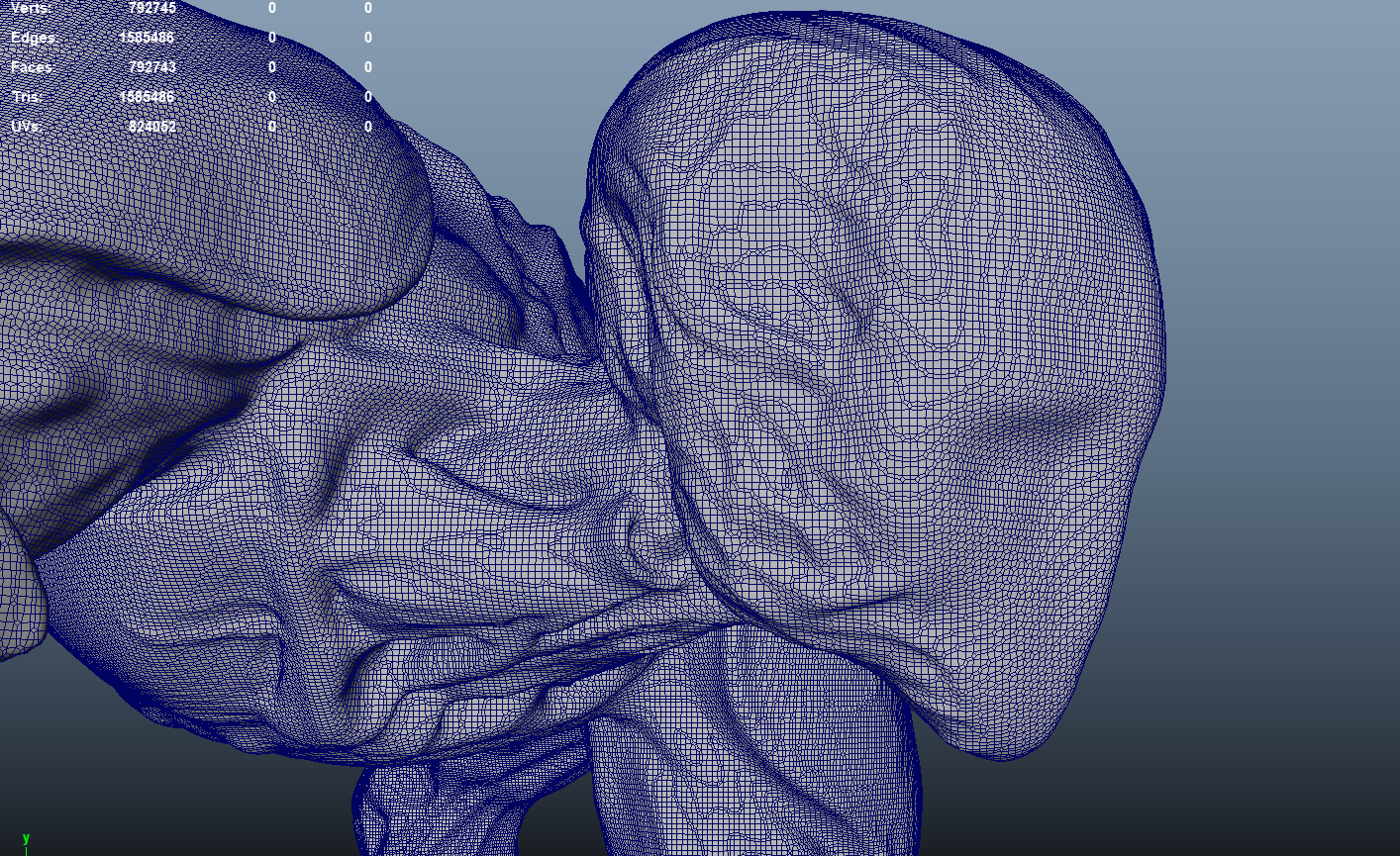
Also bc of maybe a too high resolution of the Lowpoly and my Laptop might not be able to save the whole smoothedged mesh?
This is something i cannot explain myself. Also the used UV-space seemed ok to me.
Could i ask of some opinions of what might be the point in which i got to such mistakes in baking?
I thank everyone very much beforehand 🙏. The first time i have such issues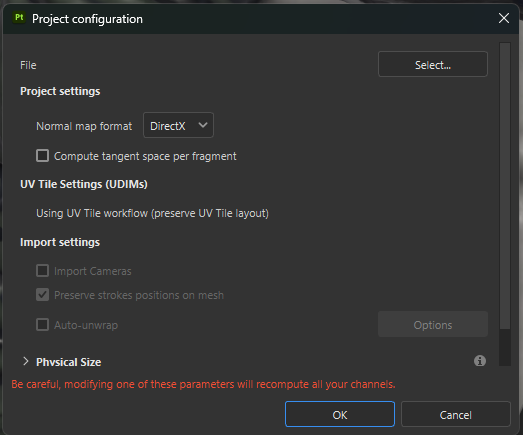
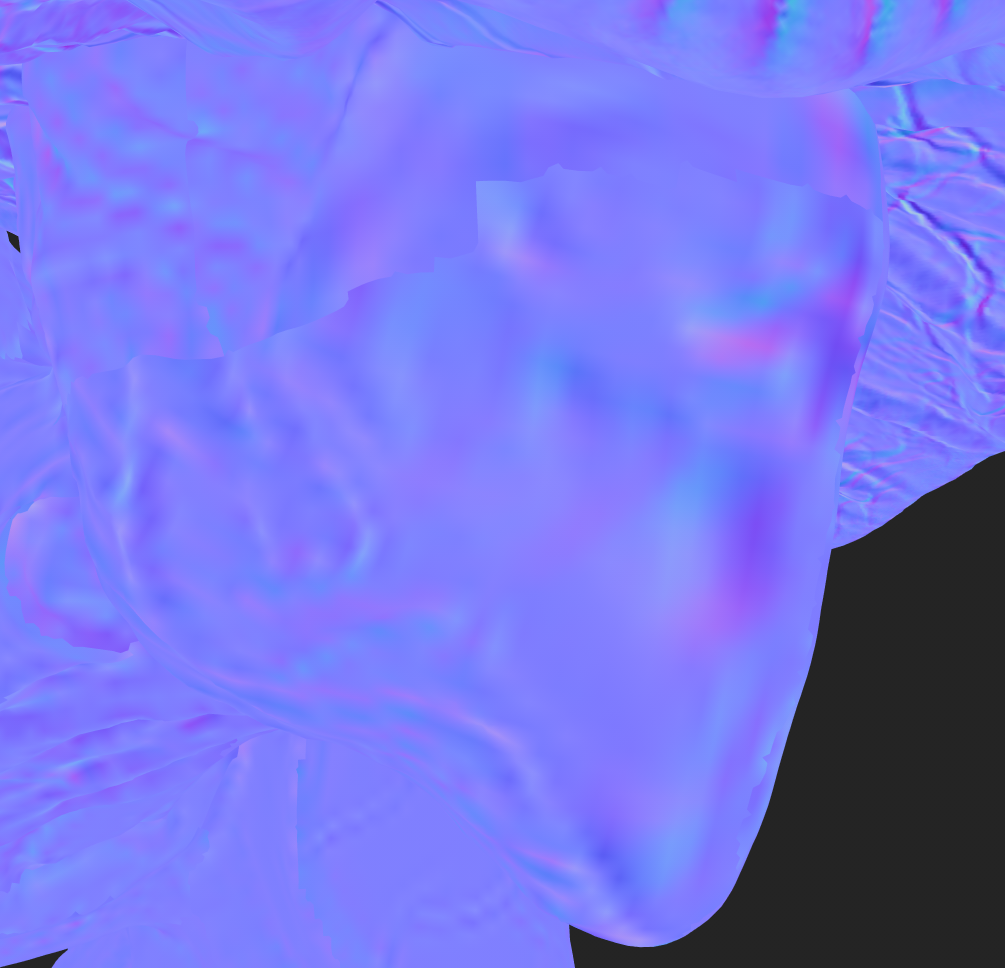
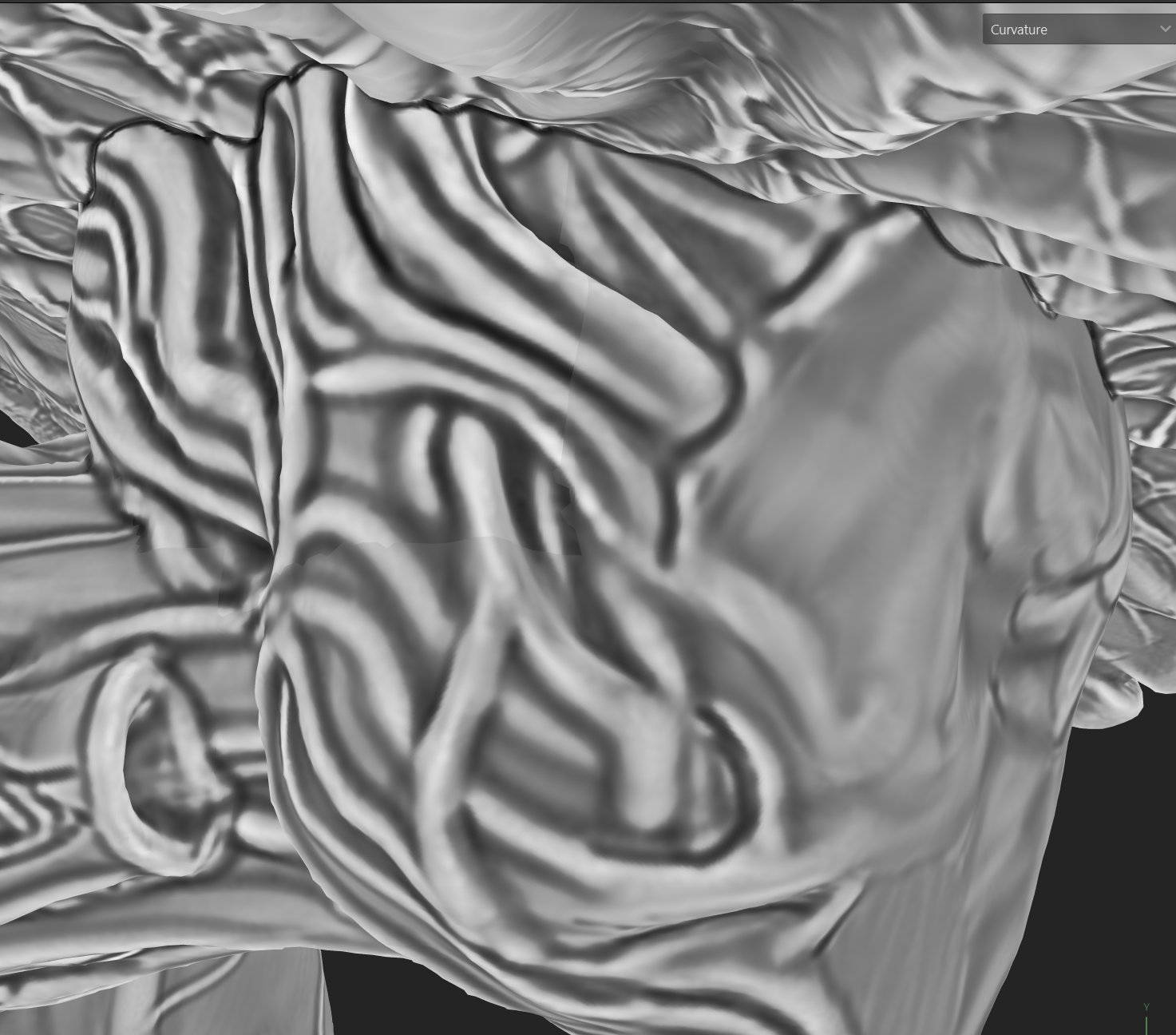
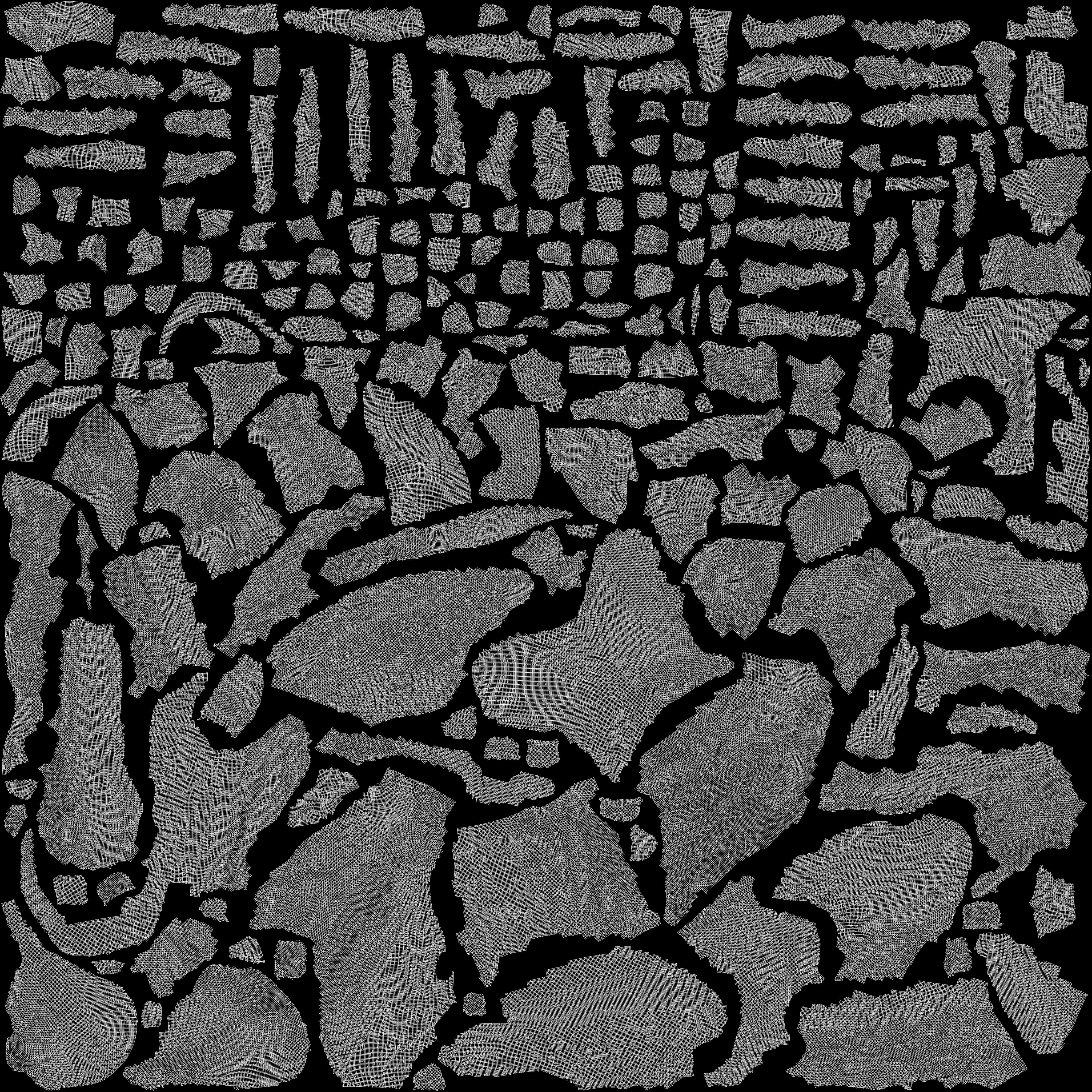
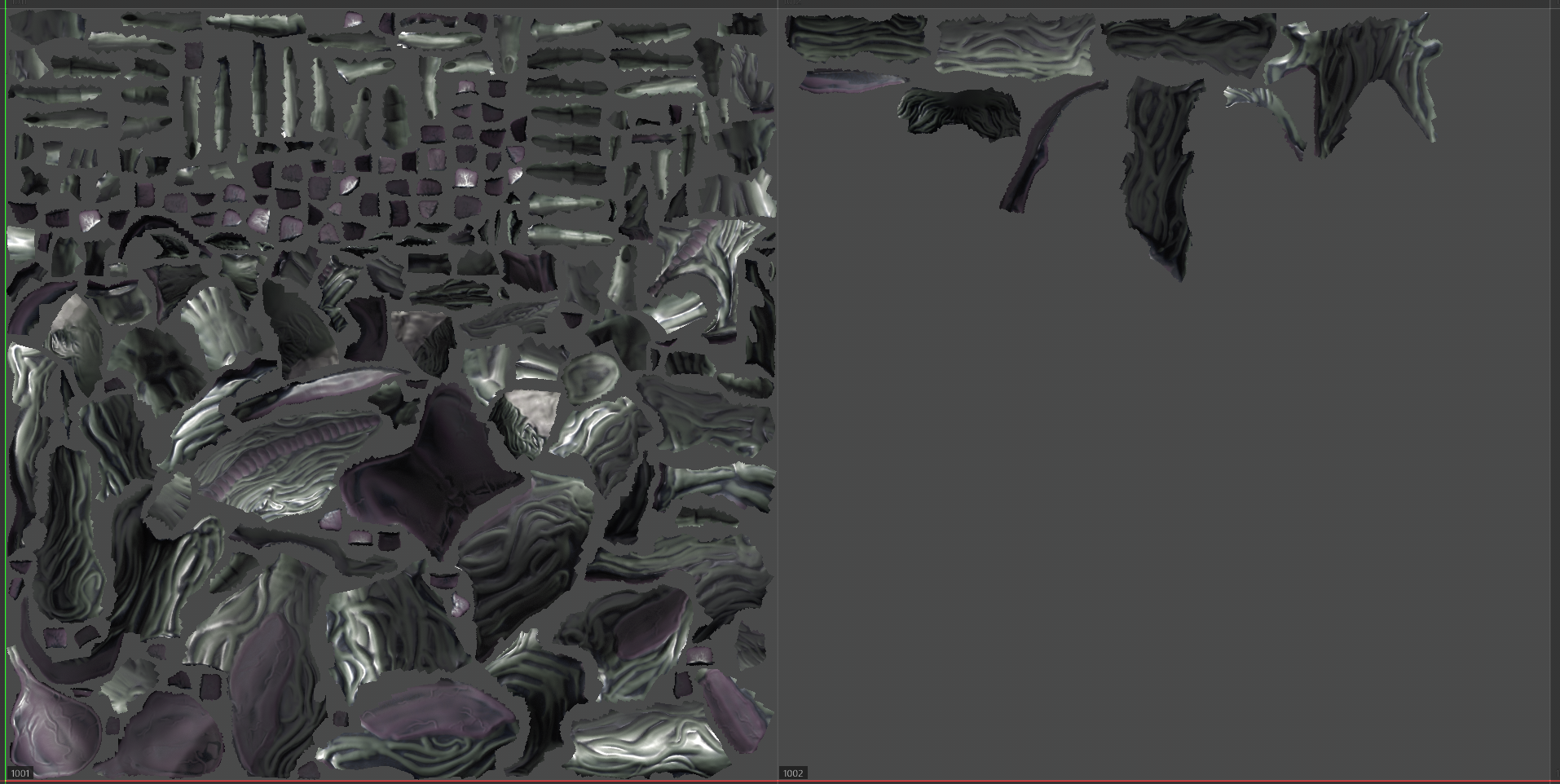
I wanted to ask about an issue which occured to my normal map through baking in Substance Painter (2024).
The UV seams of my mesh are clearly showing, which doesnt let it be solved through using triplanar projection, using Smudge or Stamp Tools or a brush. This tex is baked in 4k, but will be still too visible for the endproducts view (also if baked at 8k). It occured to me that it could be because of the wrong export-options through fbx (2020) or wrong ones in Painter itself.
Also bc of maybe a too high resolution of the Lowpoly and my Laptop might not be able to save the whole smoothedged mesh?
This is something i cannot explain myself. Also the used UV-space seemed ok to me.
Could i ask of some opinions of what might be the point in which i got to such mistakes in baking?
I thank everyone very much beforehand 🙏. The first time i have such issues
Replies
It is natural for normal maps to show different colors along UV seams. This happens when the two sides of the seam have different rotations in UV space. An illustration and explanation of why this happens: http://wiki.polycount.com/wiki/Normal_Map_Technical_Details#UV_Coordinates
What are you using to render the normal-mapped low-poly model?
Also, make sure you are using edge padding when baking the textures, see http://wiki.polycount.com/wiki/Edge_padding
I use PBR Metallic Roughness with directx as result, if i understand ur question correct.
I´m sorry if i might just understand afterwards.
And for edgepadding i have the standard 32 Dialation Width while baking on substance painter.
Ok about the rotations i have to look up in your given link.
So i understand so far that issues might lie within the UVs so far, i have to check this up asap.
Thank you very much for your fast answer, Eric Chadwick.
I will update this post in case of enlightment or desperation!
I just recognized that the screenshot with all materials hasnt been uploaded here before, therefore the confusions: i am sorry, this is my bad.
In this image all channels are active with all maps. I wanted to use a tangent-space-based normal map, but so far it also makes issues on the shading of the borders even after correcting the UV shells into the right rotation with maya´s Uv editor tools.
But i also just saw that some errors occured because of loading the mesh with its normals into substance and it recalculated it, which is why it shows it like this (my guess so far). The UV´s have much more padding now, but it still has shown the same issues (second image) even while smoothing the whole mesh.
I wonder if its because of my wrong way of saving/adjusting the smooth-shaded surface or because of wrong export options of the FBX or wrong options in substance painter.
If you liked to i could also send you more screenshots of the seen materials on the mesh
After baking, you want to make sure to
NOT edit the baked normal map, nor edit the smoothing or UVs of the target lowpoly model.
Along what Eric asked, what does the lowpoly look like with just the baked normal map applied in Painter, without any additional fixes or layers? If you rendered in different software, you would need to make sure the texture settings are correct and the textures used correctly in the material.
Generally looks like the effective texture resolution is quite low, which would make seams more visible. To address that, I would work on topology and UVs (it's also lighter and deforms better). For UVs I'd use fewer seams in less prominent places. That way when seams show, it's less apparent. Additionally, you could mirror parts that are of the center/ symmetry-line to maximize use of texture. If resolution still isn't enough, you could break the subject up into texture sets. (Using more UDIMs might be an option too, I have no experience with that). But an optimized mesh and UVs is the first step in my opinion. If you want what you currently have looked at, zip and share files.
Hello,
Your problem is related to UVs, but not to padding. And it's not even a problem with the UVs themselves ; you are witnessing (and currently misinterpreting) a rendering error and attibuting it to your normalmap or your UVs even though they're not the culprit.
You need to understand that the colors of a Tangent Space normalmap depend on UV orientation. To visualize this, set your current asset aside and focus on something much more simple, like a simple crate or some random blob sculpt. Make a lowpoly for it, give it some UVs, and bake it. Then make a few other other bakes, each time rotating some of the UV islands at random.
You'll notice that even though there are color "jumps" at the seams, and also different colors depending on the various test bakes at different UV orientations, this doesn't mean that things shade badly (if your renderer is setup correctly of course). Many people new to this fail to understand this specific aspect of tangent space normalmaps.
Now if you do have a shading breakage at the seams when just displaying the shaded normalmap, this just means that your renderer is setup incorrectly. But that doesn't mean that your baked normalmap is incorrect.
And beyond that, if you use any sort of trickery to generate other passes based on the 2D normalmap ... then of course you'll get seams there too. But that isn't the fault of the normalmap either.
Bottom line : for now, only focus on a very simple asset and only worry about the shaded look with the normalmap alone. Try the aforementionned tests, and you'll understand.
(As a side note your asset has way too many seams. While this is not the root cause of your issue, this is asking for trouble and should be avoided because even though a renderer will shade smoothly across them, it will only do so up to certain mip level. So if you want your asset to behave as well as possible you should minimize them.)
I see that i made it confusing because of the title. It´s about my lowpoly mesh, which got higher resolution.
Those renders are all from substance painter. I think because of the misunderstanding you Eric Chadwick didnt understand me correctly.
Its at last as Fabi_G says about transferring highpoly detail to a lowpoly using a normal map.
The lowpoly is the mesh i have shown above with its higher res of faces (800k faces). Its appearance only with the normalmap i have shown before aswell from the place i have baked it in, in substance. I didnt do any adjustments to the normalmap afterwards, or changing smoothings and UV shells after baking.
I want to share my files to you for further investigation, if you are interested. Thank you very much. My head is turning a bit into a furnace.
The thing is that because of short time i tried to use as lowpoly a mesh, which is not that optimized in polycount... it should at last be able to show in my diorama in UE. But if the facecount should be the problem at last, this has to change then. So far, i hope i can still use this mesh for further use very much.
I can only give the files further via google drive: https://drive.google.com/file/d/1Z6ofP6jQNmIyBKqMlxcOZRREh3jkm_er/view?usp=sharing
Thank you very much again
Checking the shared Painter file, it looks like the seam showing in that face area is exacerbated by seams/ discontinuity in the curvature map (and as a consequence all the masks relying on it). To check whether anything goes wrong in the layer stack, I would compare against the model with just the baked maps applied only. Only a solid fill layer with some gray and medium roughness, let the mesh maps do the rest. I think to fix, you'd need to update mesh/ UVs and re-bake or manually fix the masks.
screenshot of a mask being used, showing discontinuity at seams:
I see your also re-applying the normal map to the mesh and doing a levels on it. Here I would be careful and check if it doesn't break the shading, since the baked normal map compensates for the difference between low and high and is reliant on the lowpolys mesh shading. On the surface, just checking in Painter, looks visually okay, but would certainly preview with renderer and lighting condition that's ultimately going to be used.
Personally, I would rework the 'lowpoly', but as I understood you don't have the time to do so. Unfortunately, anything you fix with this mesh will be a band-aid, time that could go towards a better model/ UVs. If you re-work it in the future, I would look at other game meshes for reference in regards to density, topology, UVs.
The highpoly seems also more detailed than will show at the current texel density. You could add finer details during texturing, only putting silhouette defining details in the sculpt.
Good luck with the project!
I just got to check this post again.
Thank you all very much for your feedback and knowledge. Indeed its really by far not the best mesh to work with further (it shows also i still have to learn much about character retopology, reflecting the last days until now...). I have to try and fix the mask then and rechecking given suggestions.
...But at the very beginning; reanalyzing my workflow through the cube-method.
This lowpoly will be my challenge for well-working topology after my projects deadline😤
Thank you all very much again, was my first post and contact with other artists here.
This gave me alot