Visible Tiling in Substance Designer Material

Hi everyone!
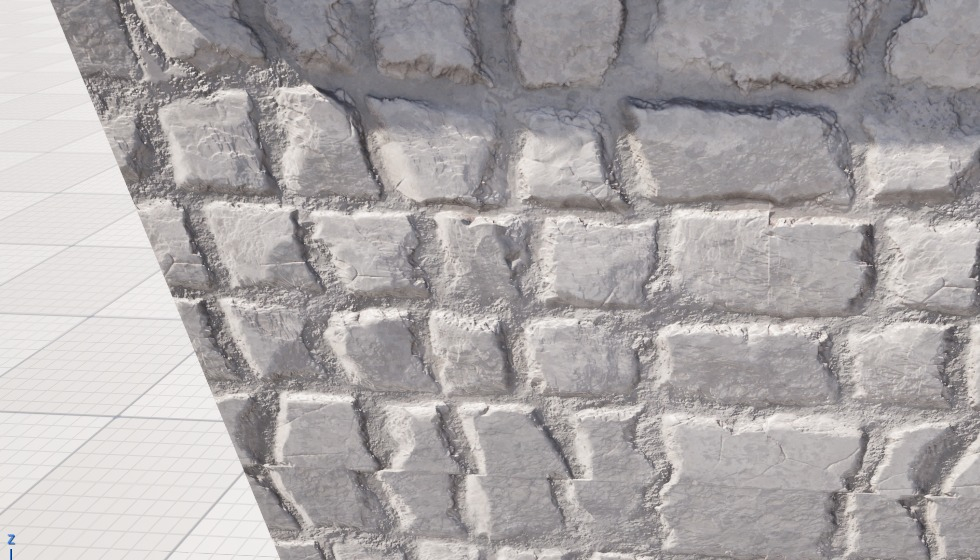
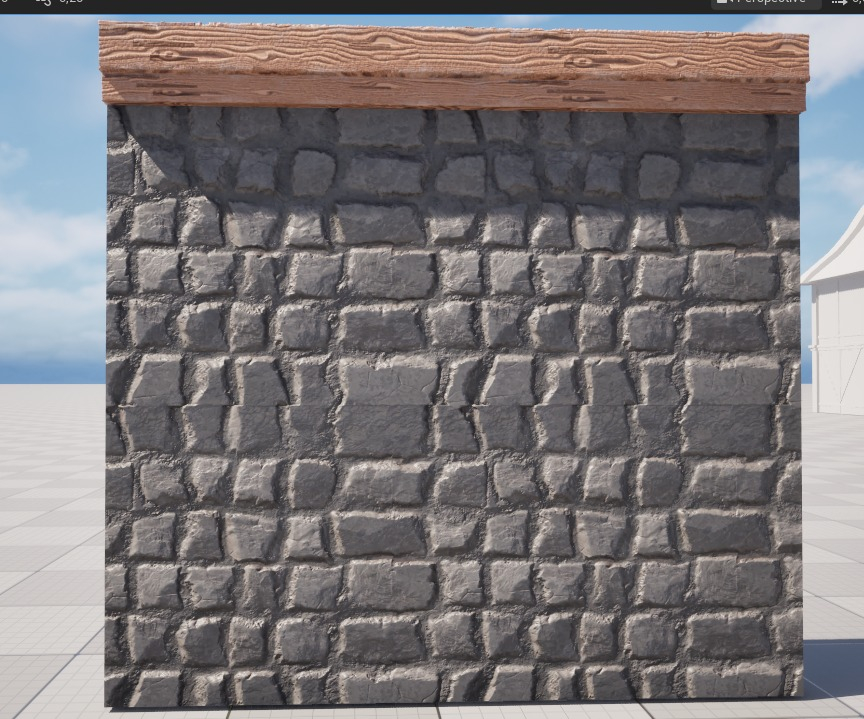
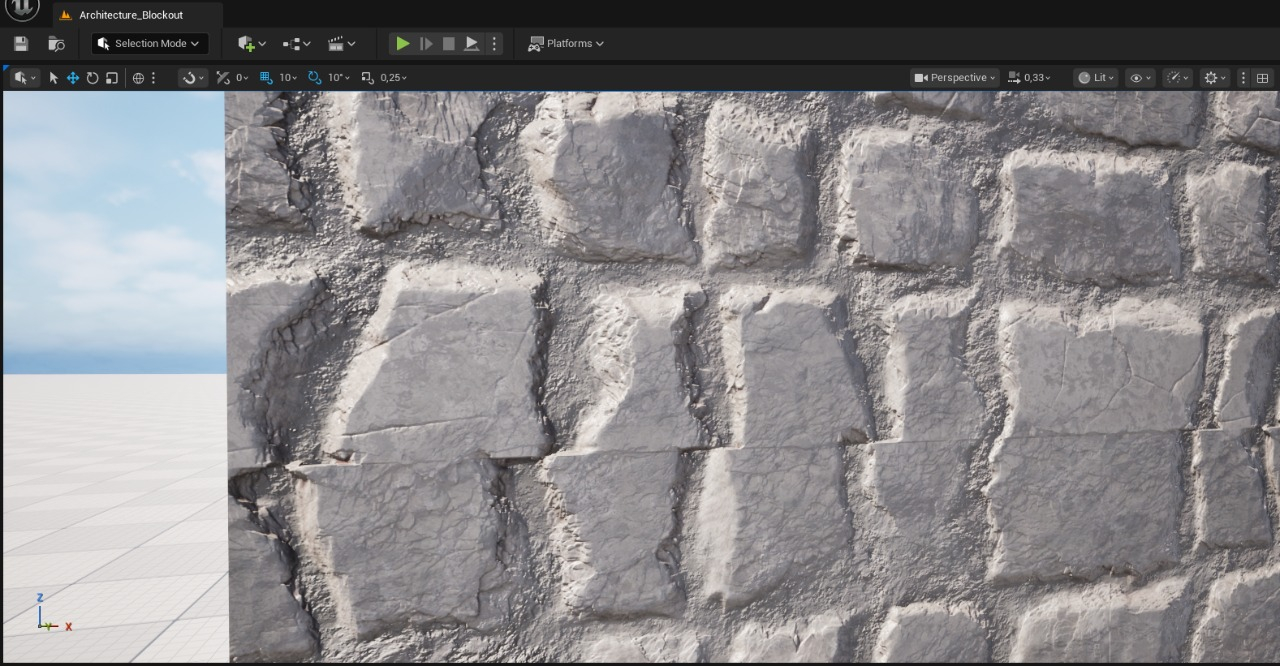
I’m working on a material I created in Substance Designer, and I’m running into a visible tiling issue once I bring it into Unreal Engine 5.6. I’ve attached screenshots showing how it looks in the scene. The tiling (2x2) appears especially clearly horizontally.
I’ve tried making small adjustments in Substance Designer, but I’m actually quite happy with how the material looks visually, so I’m hoping to avoid rebuilding it unless absolutely necessary.
Is it possible to reduce or hide this tiling purely inside Unreal Engine (5.6) or is this the kind of issue that really needs to be fixed by reworking the texture in Substance Designer?
Since I’m learning on my own, I’m not sure how far Unreal-side solutions can go here, and whether the texture itself is the core problem.
Replies
In this case the material simply doesn't tile well and you're not going to be able to fix that properly with sneaky shader tricks etc. Particularly on something so structured.
Making interesting textures that tile well takes a huge amount of practice - my advice would be to go back to designer and work on it more,
Bring the target mesh into designer so you can see what your changes do in context.
Work in progressively finer levels of detail.
Eg. Get the brick pattern to look good first, then the larger wear patterns then the cracks and so on.