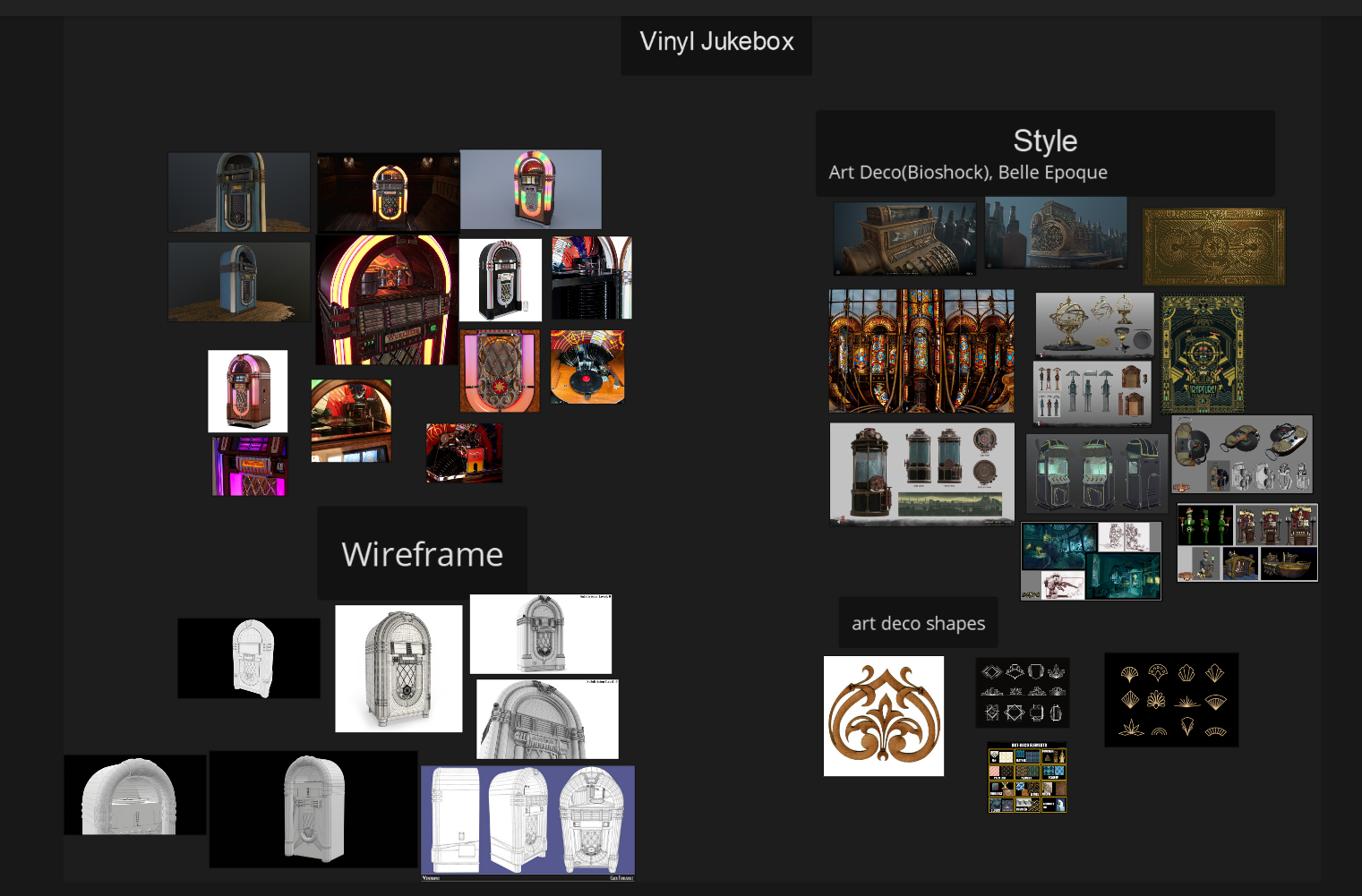
I love vinyl records, and so I decided that for my final project, I would like to create a vinyl jukebox. These were used mostly in bars and diners in the 20th century. However, I have seen a lot of 3D models with a very similar design, so I decided to change the overall style of the asset. My biggest inspiration is the Bioshock game series, which draws a lot of its style from Art Deco and Decopunk. I couldn't find any concept art that would fit my idea, so I just gathered some references and started blocking out the base shapes of the jukebox. This is the result so far. I am still not very satisfied with the overall shape of the jukebox, so I'll spend the rest of the week refining it and trying out different variations.
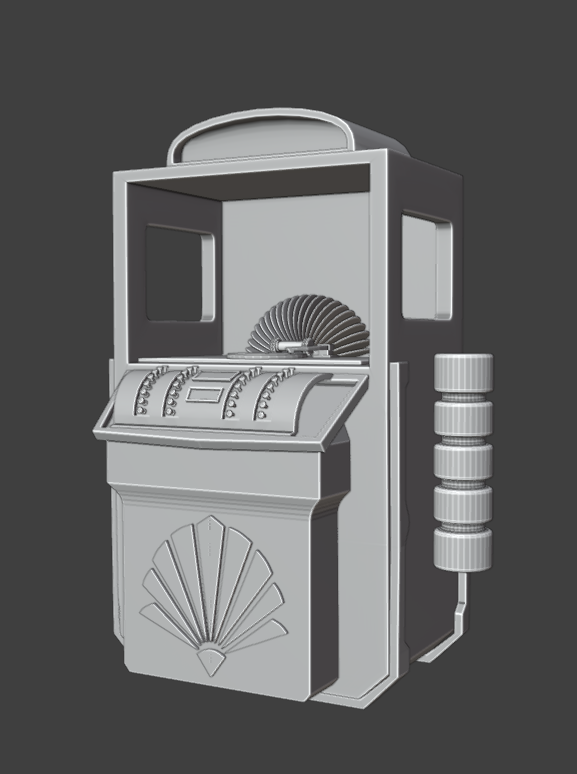
I refined the jukebox's overall shape. I added more details and art deco shapes. I also modeled some basic vinyl record player mechanisms. I kept it quite simple, as there is going to be a glass window, and I am not quite sure how visible or transparent I am going to keep it. I am about to finish modeling the control panel, add some buttons and screens, etc., and take the model to ZBrush to add some metal details for my high poly model.
Pretty neat looking update i like it, if you did not see it i think the Admin on the forums posted something about record lighting the "correct way", atm no link. Using the babylon engine or something. When you get to the record texturing part.
Can't link it if it is in the wiki i get awarning potentially unsafe again.
Hmm wiki links work fine for me. Note that the wiki uses http: instead of https: and some browsers complain about this, but it's nothing to worry about since we're not transmitting anything that needs security like that.
I would like to add more details but unfortunately I don't have time for that. I have baked the model and started laying out the textures now. I really like how this green color works well with gold so I am aiming for this look.
I have finished my vinyl jukobox! It is one of my official first 3D models that are done. I have struggled quite a lot with it, as I am usually learning as I go; the progress is very slow, and there have been times where I spent an entire day on something only to not get anywhere. Now that I am finished, I can see so many mistakes or things that I would have done differently, but I think that's a good thing cause it means I am learning . I have rendered these in Marmoset. I followed the tutorial for presentation by Abe leal 3D.I tried to do some renders in Unreal but I have encountered some shading artifacts on the control panel and I coulnt figure out how to change them.
I also rendered a turnaround in Unreal using the Virtual Photography Kit. Here is the link. https://youtu.be/3ErpiVbXWHY
This looks really great! Awesome details, I instantly thought "Rapture! Bioshock!"
Bioshock 1 has this very unique and iconic art theme, I have always liked it. How did you texture it? In substance painter?
yes, everything in painter. I also wanted to create some art deco textures in designer, cause most of the shapes are quite simple geometric forms and I thought it would be easy but unfortunately, I didn't have time to do that.
Replies
Anyhow, I did a webinar thingy about anisotropy, explaining how it works, might help you, starting at 15:20 here:
I also rendered a turnaround in Unreal using the Virtual Photography Kit. Here is the link.
https://youtu.be/3ErpiVbXWHY
Bioshock 1 has this very unique and iconic art theme, I have always liked it. How did you texture it? In substance painter?