Home 3D Art Showcase & Critiques
The BRAWL² Tournament Challenge has been announced!

It starts May 12, and ends Oct 17. Let's see what you got!

https://polycount.com/discussion/237047/the-brawl²-tournament

Feedback - Location from Blade Runner 2049

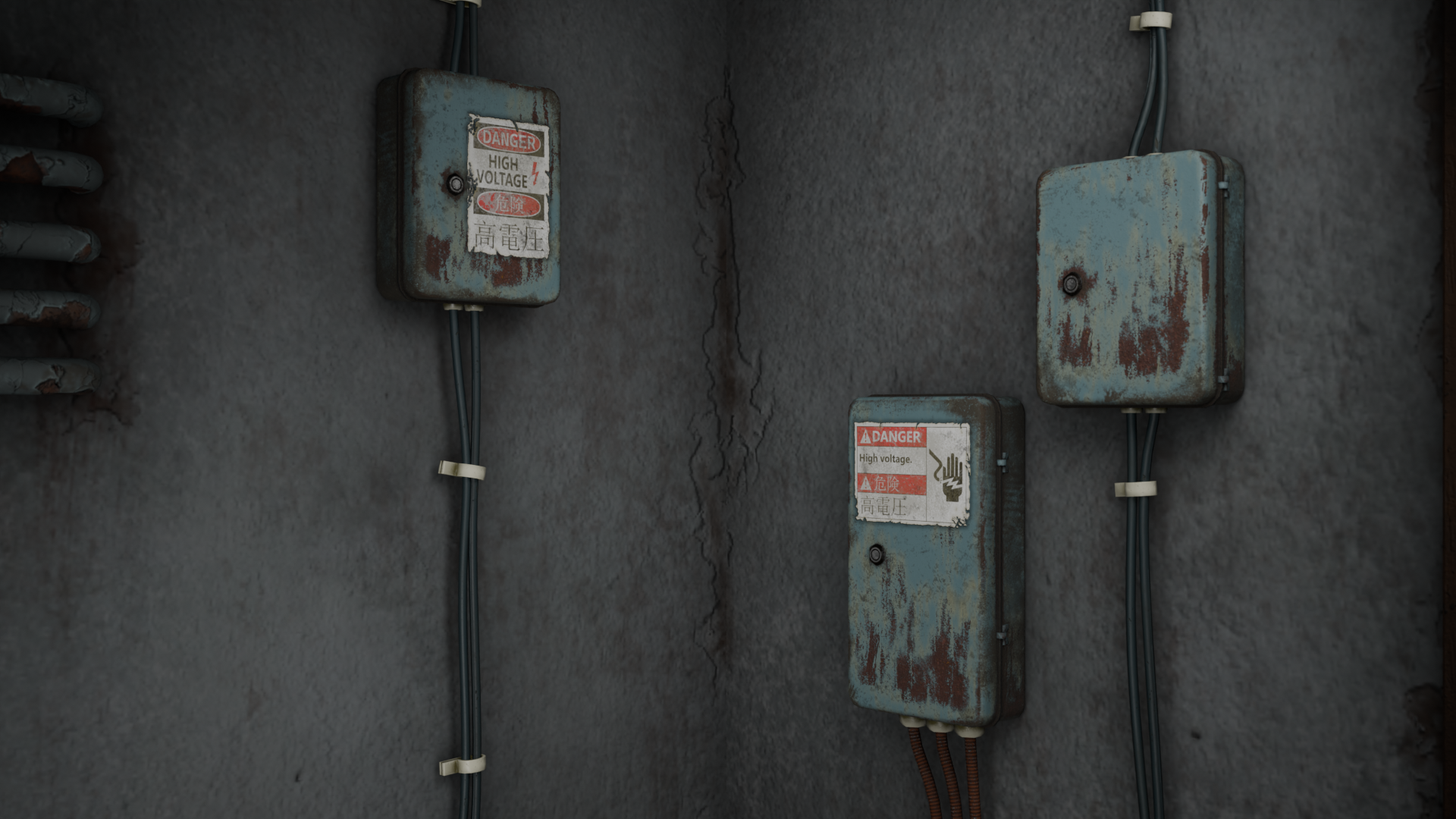
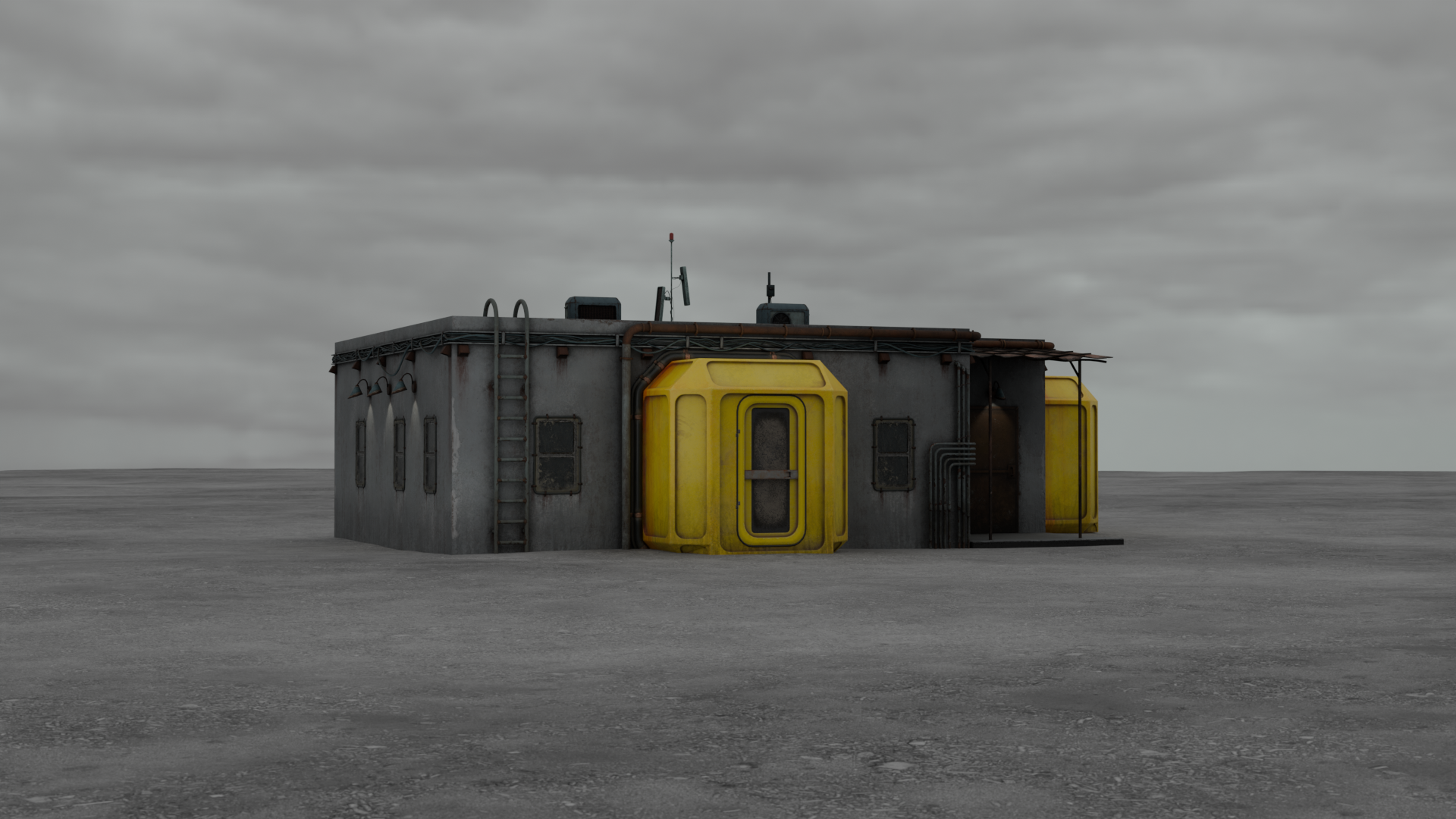
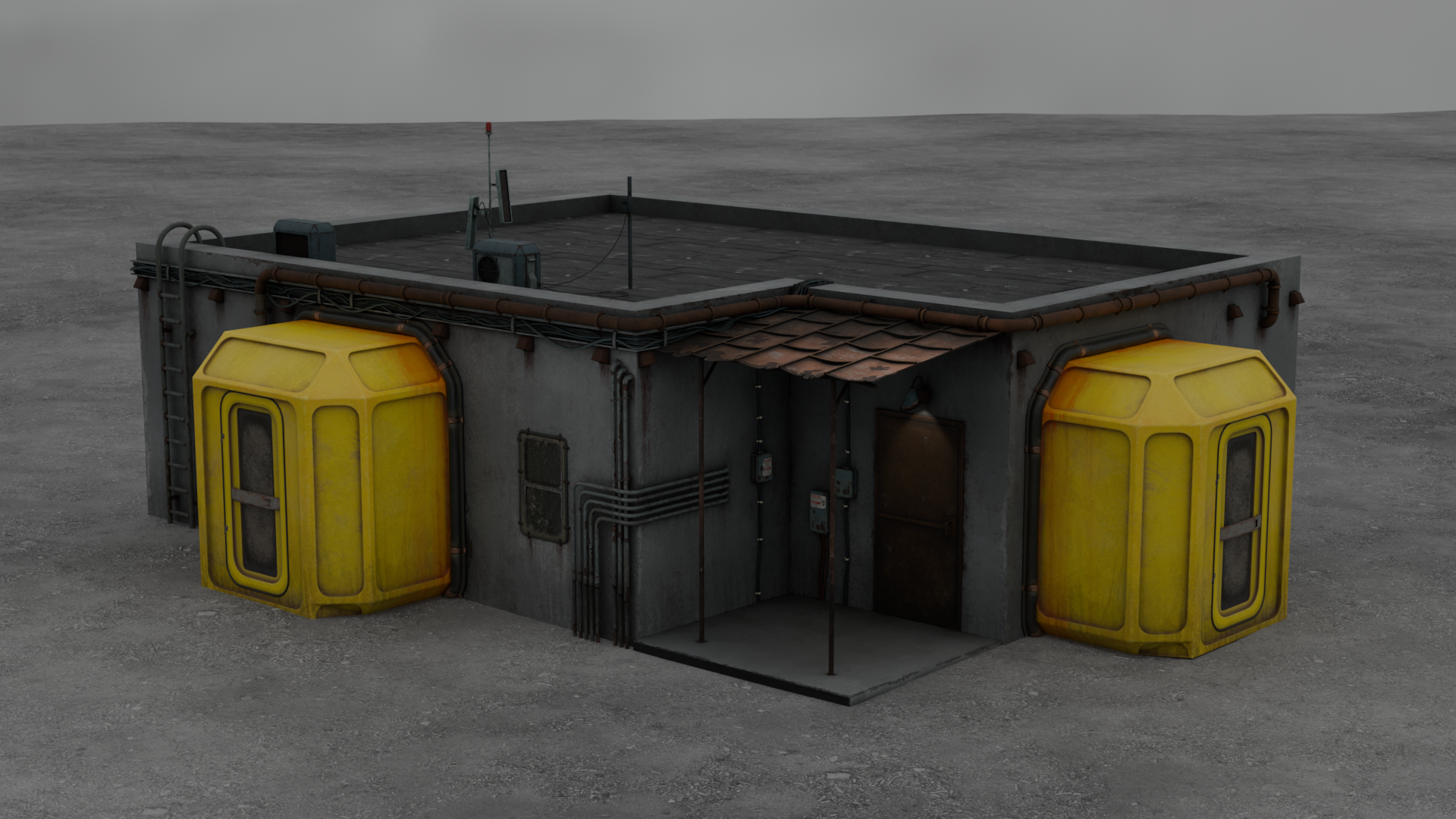
Hello Polycount community! This is my very first polycount topic and coincidentally my first finished 3D artwork. I uploaded it on ArtStation here: https://www.artstation.com/artwork/Ov5XY8

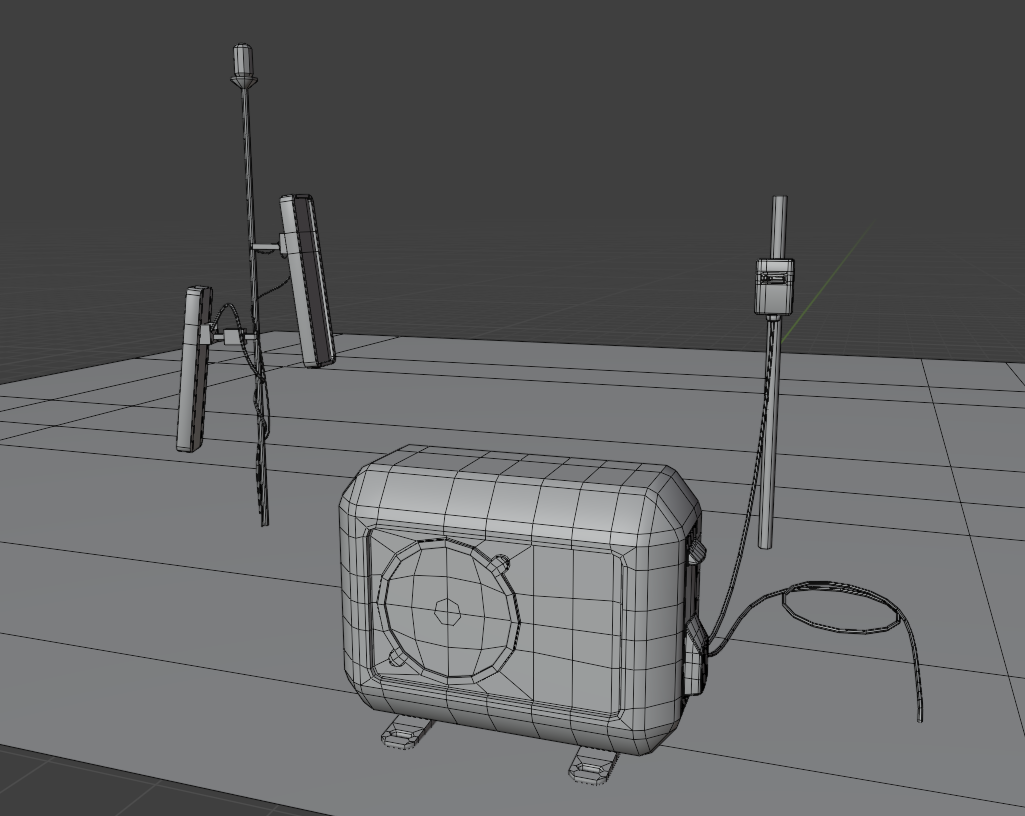
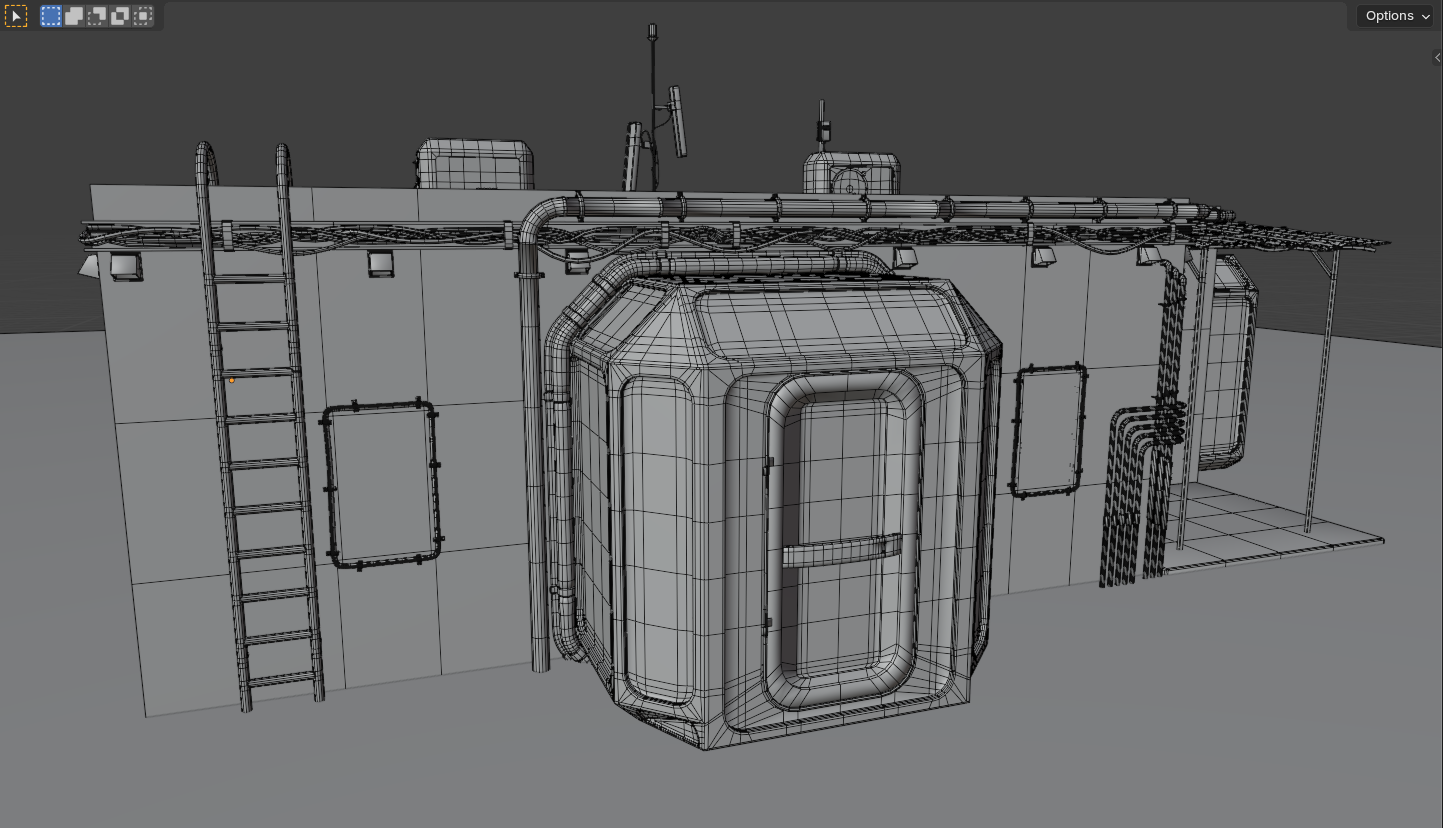
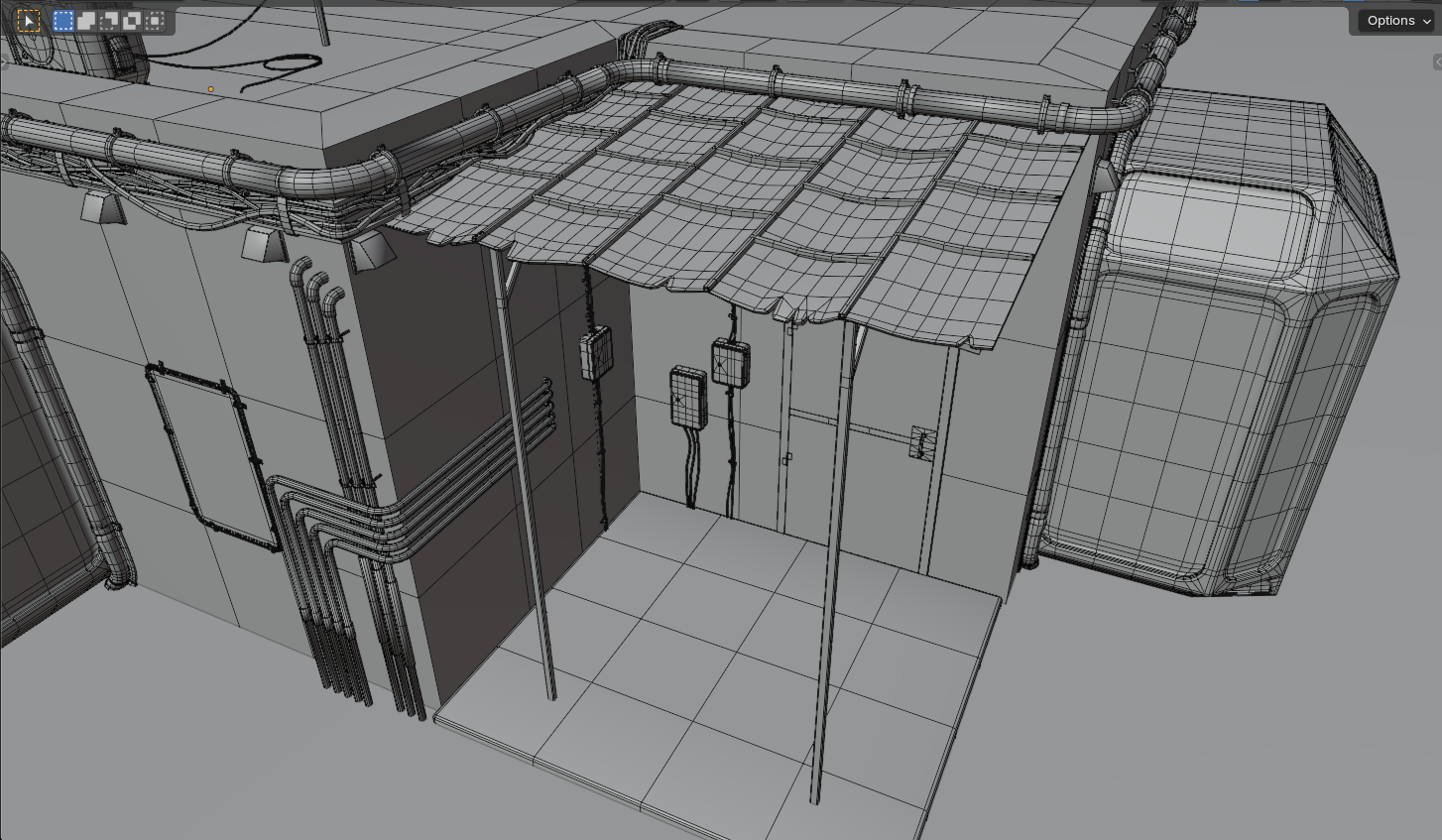
I modeled everything in Blender: highpoly, lowpoly; then I baked normal maps, ao and curvature in Marmoset Toolbag 4; textured everything in SP and finally uploaded all textures back to Blender, set up terrain and lighting there and made renders. 

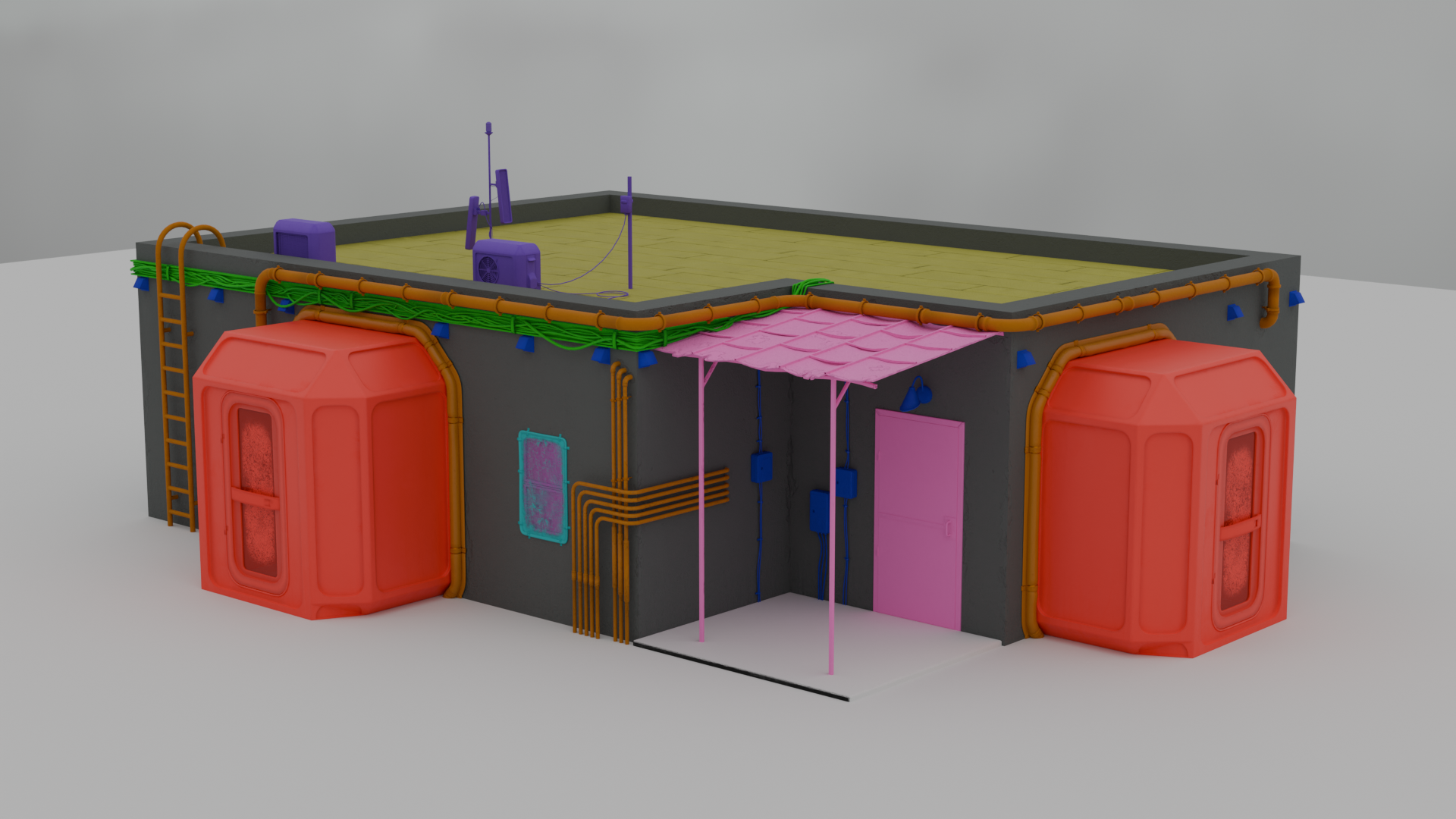
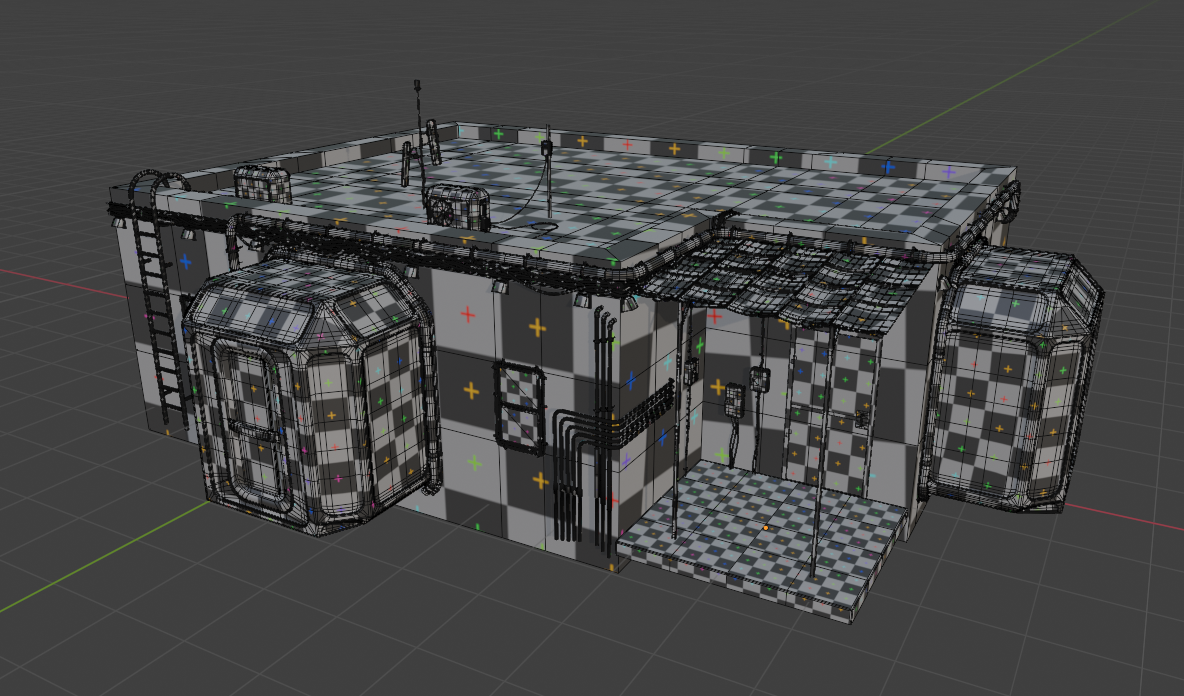
Before starting texturing process i divided all objects into 10 texture sets, each of them is represented by a different color on picture 5. I really wanted my textures to look as detailed and realistic as possible but I'm afraid that this could screw my textile density (picture 9). Maybe I could ask your advice on how I could distribute the textures better? My main problem was the walls, since I wanted them to have unique damage details (cracks around the pipes insertions, leaks under the drain etc) so I unwrapped them all on a single UV sheet, which made them take up so little texture space! Basically my question is: how can I keep the crispy details on a huge object, which can't be optimized by texture/model repetition?

I could manage to optimize wires by creating them as arrays of cylinders following a curve path, each cylinder having a small tileable texture, which I thought was very smart tbh :) But if you know a smarter way, tell me!

Overall I welcome critique on any part of the process: topology, baking, textures, unwrapping, lighting,  just appearance. Maybe you could share some of your knowledge on the best way to make terrain in Blender? I'm sure I could improve something on every step.

Thank you in advance!

Replies

  • Eric Chadwick
    Looks great, kudos. 

    A lot of decisions depend on the intended use of a model. Since you're rendering it to stills, you don't have any of the limitations of making something work in a real-time renderer like in a game. Therefore you could go pretty high with geometry detail, texture resolutions, UDIMs, etc. However it seems like you're considering some of the limitations of creating content for in-game use.

    So which is it? If it's meant to be used in a game engine, then you should commit to that, and make your content fit the needs of a game engine. This would help improve your portfolio if applying to game jobs.
  • vera_delai_nogi
    Looks great, kudos. 

    A lot of decisions depend on the intended use of a model. Since you're rendering it to stills, you don't have any of the limitations of making something work in a real-time renderer like in a game. Therefore you could go pretty high with geometry detail, texture resolutions, UDIMs, etc. However it seems like you're considering some of the limitations of creating content for in-game use.

    So which is it? If it's meant to be used in a game engine, then you should commit to that, and make your content fit the needs of a game engine. This would help improve your portfolio if applying to game jobs.
    Thank you for the reply! I actually was hoping to use this asset in a game... Overall I'm mostly interested in 3D art for games. So you're saying that I should've made real-time renders and go from the needs of chosen engine? That actually makes a lot of sense, I don't know why but I thought I should perfect my asset somewhere else before using it. I guess it's because I don't know anything about realtime rendering. I'll make sure to learn more about it, thank you.
  • Eric Chadwick
    We have a bunch of things on our wiki about making assets for games, for example: http://wiki.polycount.com/wiki/Modular_environments
  • vera_delai_nogi
    We have a bunch of things on our wiki about making assets for games, for example: http://wiki.polycount.com/wiki/Modular_environments
    Woah thanks! I see a lot of information on modular environment art there. Do you think I should try and make my walls this way? But how do I paint unigue damage on them then?..
  • Eric Chadwick
    You paint a mask that blends between two texture sets, one set for the regular wall and another set for the damaged wall. The material controls how the blends occur. Often people use vertex color as the mask, since it's easy to use and efficient in-game.
  • vera_delai_nogi
    You paint a mask that blends between two texture sets, one set for the regular wall and another set for the damaged wall. The material controls how the blends occur. Often people use vertex color as the mask, since it's easy to use and efficient in-game.
    Oh, vertex color, I heard about that. Thank you so much for sticking with me and answering my questions! I'll make sure to try that method on the walls and update topic with the result.
Sign In or Register to comment.