Azimuth Cold - FPS game visual prototype

polycounter
I know fellas how you're missed threads with my projects 
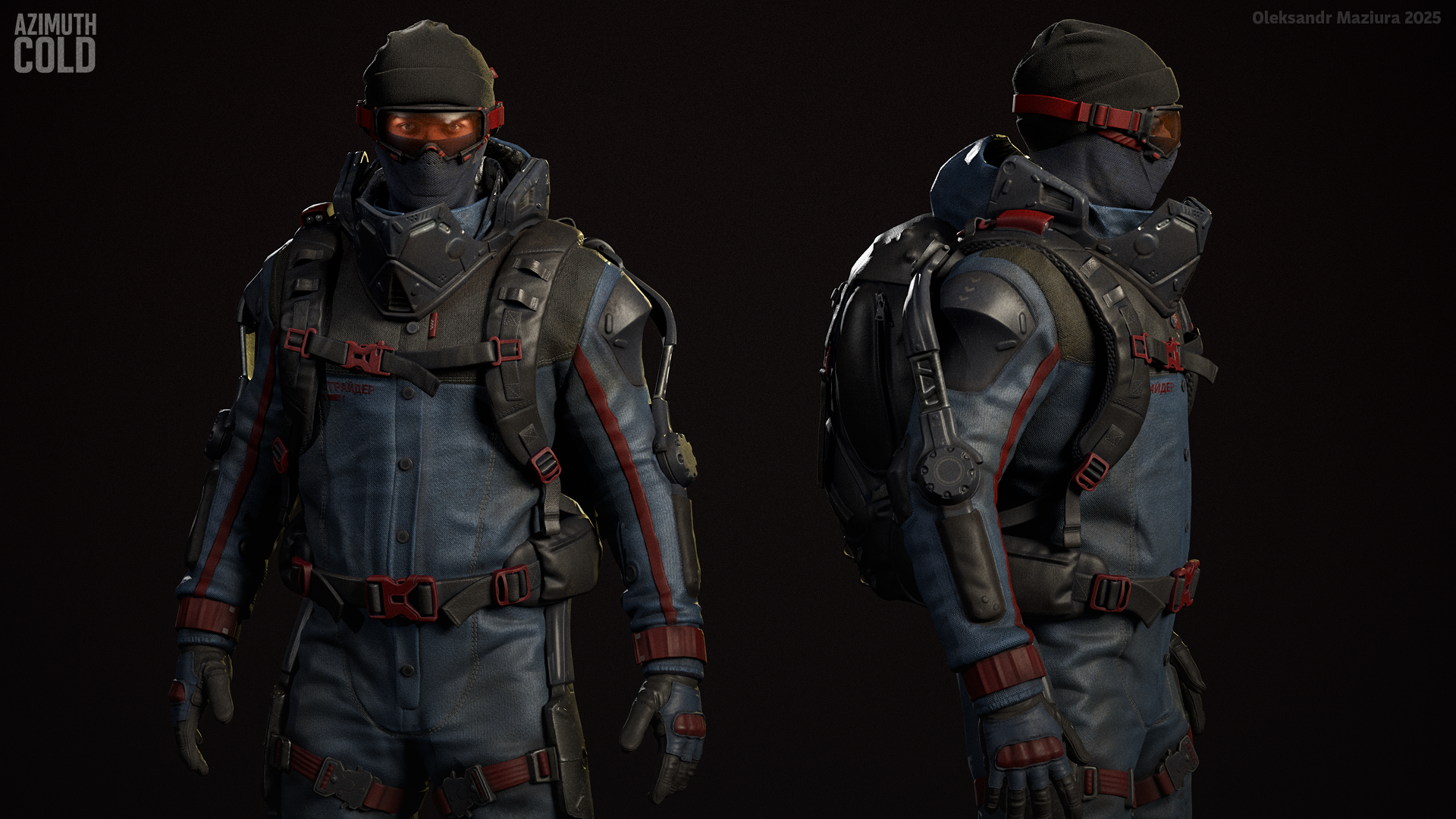
It's time for me to look for a job, so I decided to refresh portfolio with a new artwork. My goal here is to create a
character for my UE5 FPS "game" Azimuth Cold, which will be a real
portfolio piece. It will include character, weapon, fpv animations,
setup in UE5, demo level and some basic shooter mechanics, so it will
look like a real game.
I will tell more about the project in a visual way with new content in the next posts
Cheers!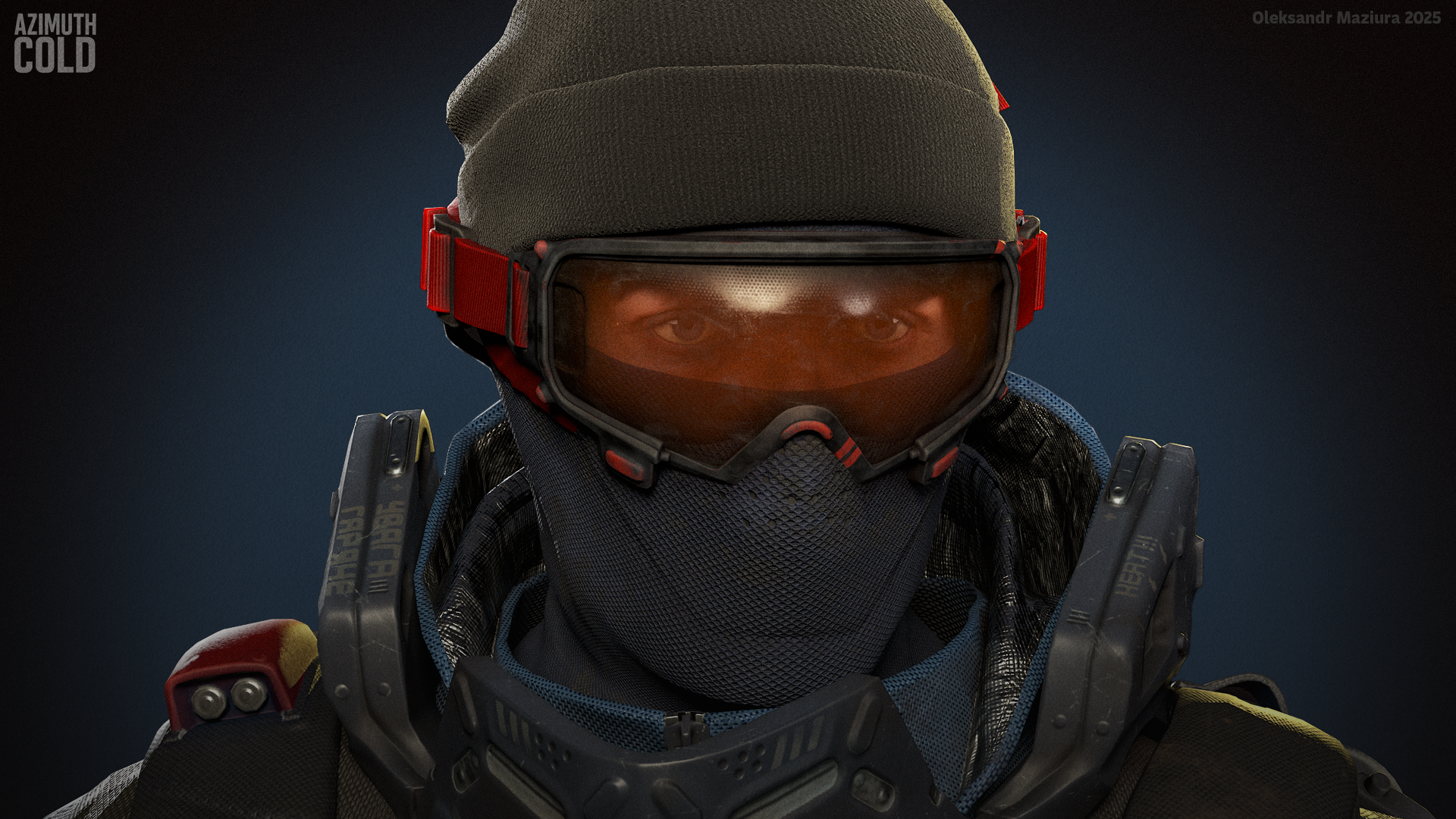
I will tell more about the project in a visual way with new content in the next posts
Cheers!
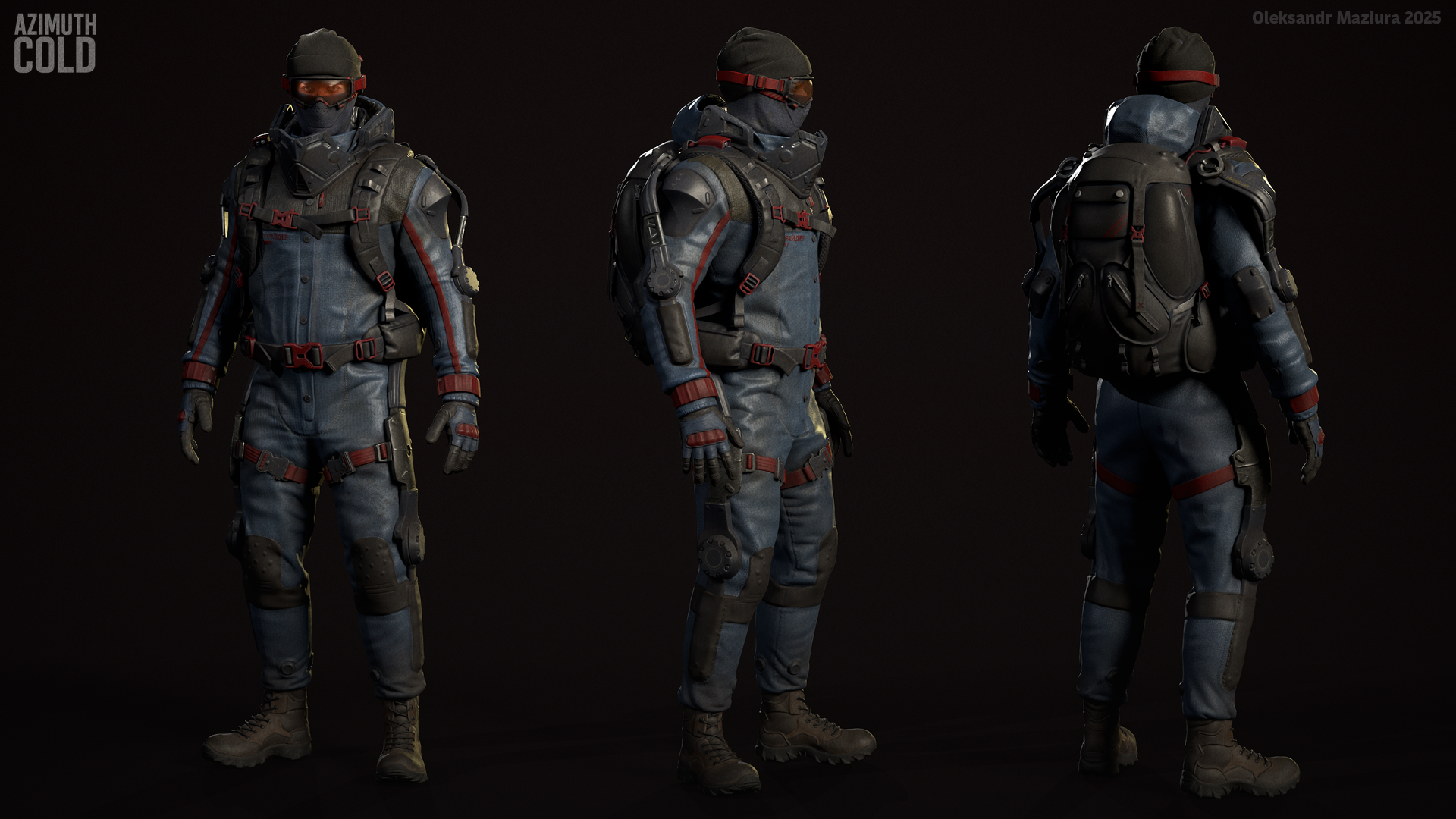
Aaand artstion: https://www.artstation.com/artwork/DLRGKR
Replies
Did it old-school with SubD approach. I like how free it is, in contrast with nurbs CAD-like approach. Maybe more time-consuming especially at retopo stage but in this project I didn't set the goal to go full wireframe optimization mode.
I’m using an Animation State Machine for looped animations like idle, walk, run, etc., and Montages that blend on top of them, driven by gameplay logic. In my DCC software I also have a base pose that is used as the start and end for all animations. When I blend a montage on top of the state (basically blending over the underlying loop animation), the state animation continues to play and the montage blends in. Because the montage always starts at a random moment relative to the loop cycle, some blend time is needed for smooth transition.
Usually this isn’t a problem because the montage starts with an action and this short blend time is easy to hide, but when the montage blends out it can become noticeable if the flow of the loop and the end of the montage don’t match. This results in a visible blend, and if I set the blend-out time too long, it can even eat into some of the montage’s animation detail. My solution is to create an additional state in the state machine that is basically a static base pose. When the montage starts blending in, I switch to this static pose state. When the montage ends, I return to the desired loop state (idle, for example), so the loop starts again from the base pose and both the loop and montage are aligned. There’s no robotic snap at the end because the blend-out time isn’t zero, I just need to keep in mind how the idle animation continues afterward.
some polishing required, but for now I am moving forward
Thanks! It is moist protection
- Added base locomotion system, mixed it with procedural animations for sway, delay, crouch and jump.
- First person body + animations + logic
- Added run
- Added stamina system
- Dash
- Added some sounds
But latest posts are taking a long time to load. I'd recommend uploading JPG files instead of PNGs, more about why here.
Also, we do have ways to share animations with audio, see Animation Forum - How To Post Your Work
I am very happy that you liked it